주요 콘텐츠로 건너뛰기

Seedream 5.0 Pro

복잡한 브리프를 강화된 추론, 고밀도 레이아웃, 사실적인 조명, 다국어 생성으로 완성도 높은 비주얼로 전환하세요. Seedream 5.0 Lite 및 Seedream 4.5와도 비교할 수 있습니다.

Seedream 5.0 Pro로 만들고 편집하는 방법

텍스트나 참고 이미지에서 시작해 변경 사항을 명확히 하고 내보내기 전에 결과를 확인하세요.

Your image
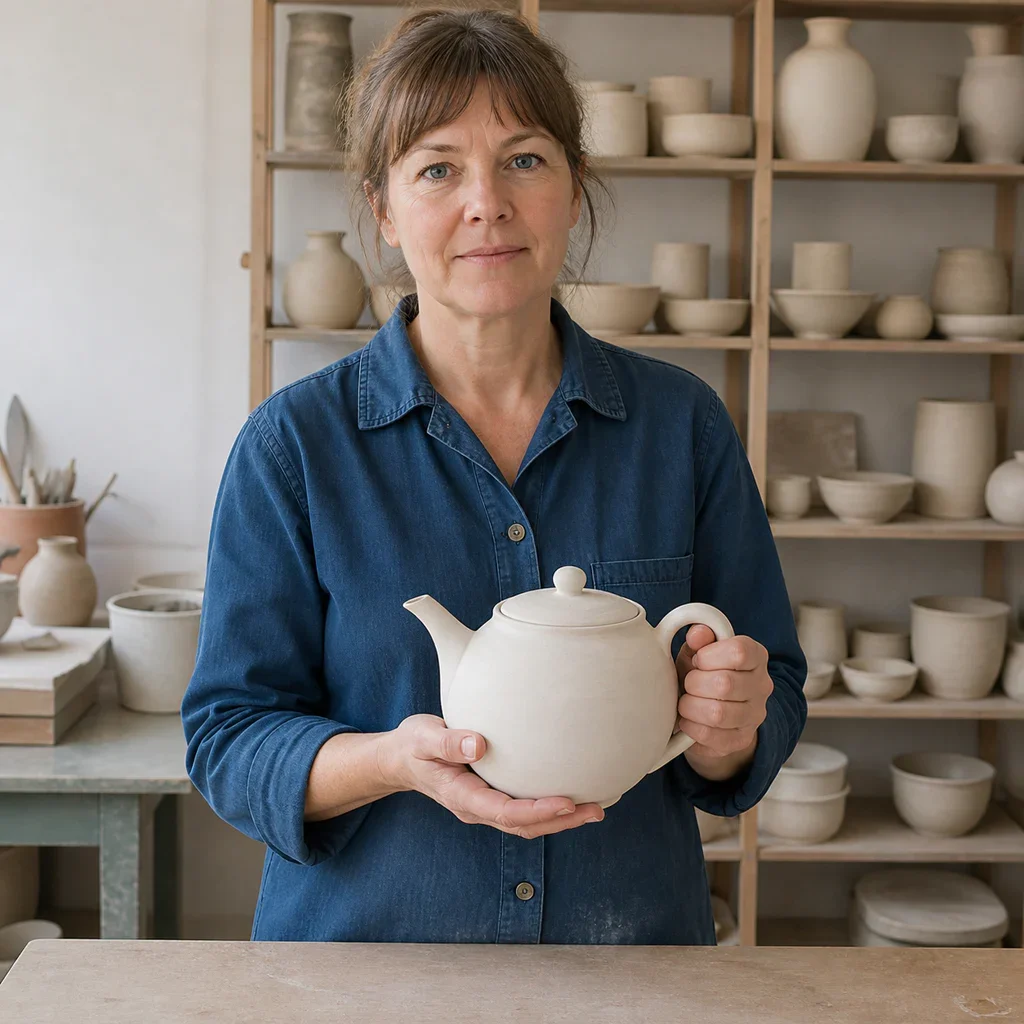
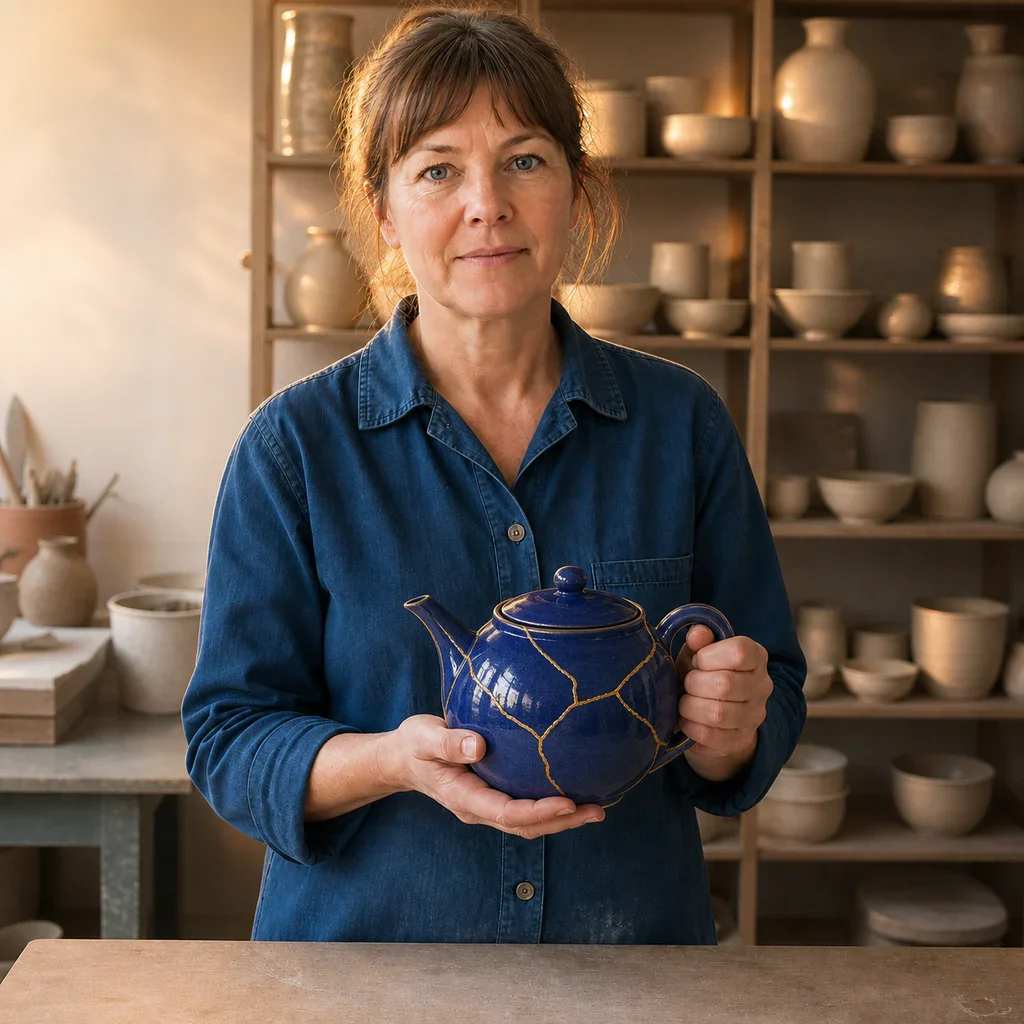
Neutral ceramic artist portrait used as the Seedream 5.0 Pro editing reference
Add a reference image

Step 1: Add a reference (optional)

Upload an image when identity, product shape, pose, composition, or visual direction should carry into the result.

Keep the ceramic artist, face, pose, blue shirt, hands, camera, and studio layout unchanged. Glaze only the teapot deep cobalt blue with fine gold repair lines and add warm editorial rim light.

Step 2: State the change and invariants

Describe the target, action, layout, style, and lighting. For edits, say exactly what must remain unchanged.

Edited ceramic artist portrait with the same composition and a cobalt kintsugi teapot

Step 3: Generate, inspect, and refine

Check faces, hands, text, product structure, and reference fidelity, then adjust one instruction at a time.

Seedream 5.0 Pro가 처리하도록 설계된 작업

구조화된 정보, 사실적인 재질, 정교한 구도, 참고 기반 제어 작업에는 프로 모델을 사용하세요.

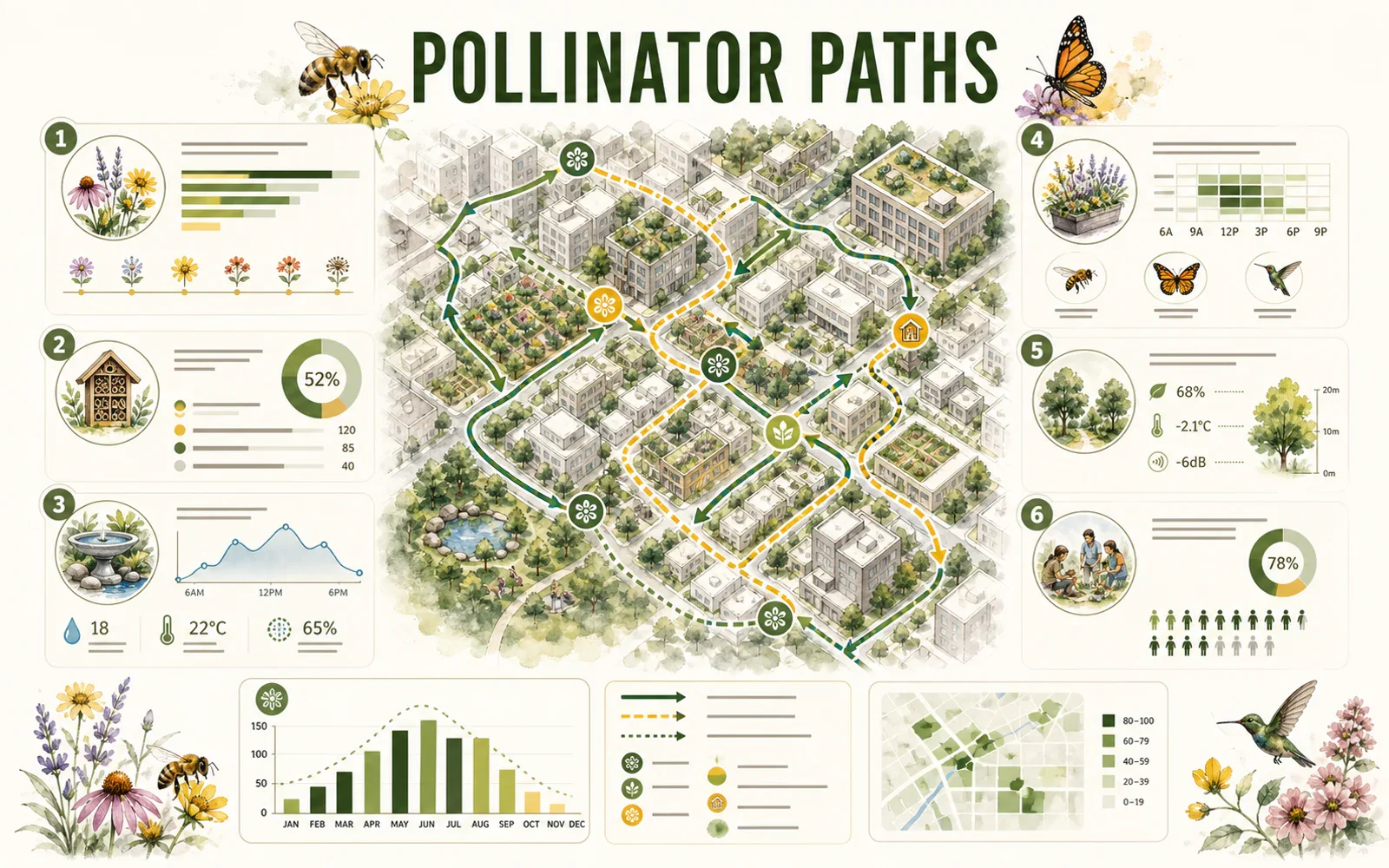
Editorial pollinator-path infographic with a city map, charts, icons, and structured modules

REASONING & INFORMATION DESIGN

Organize more information without losing the story

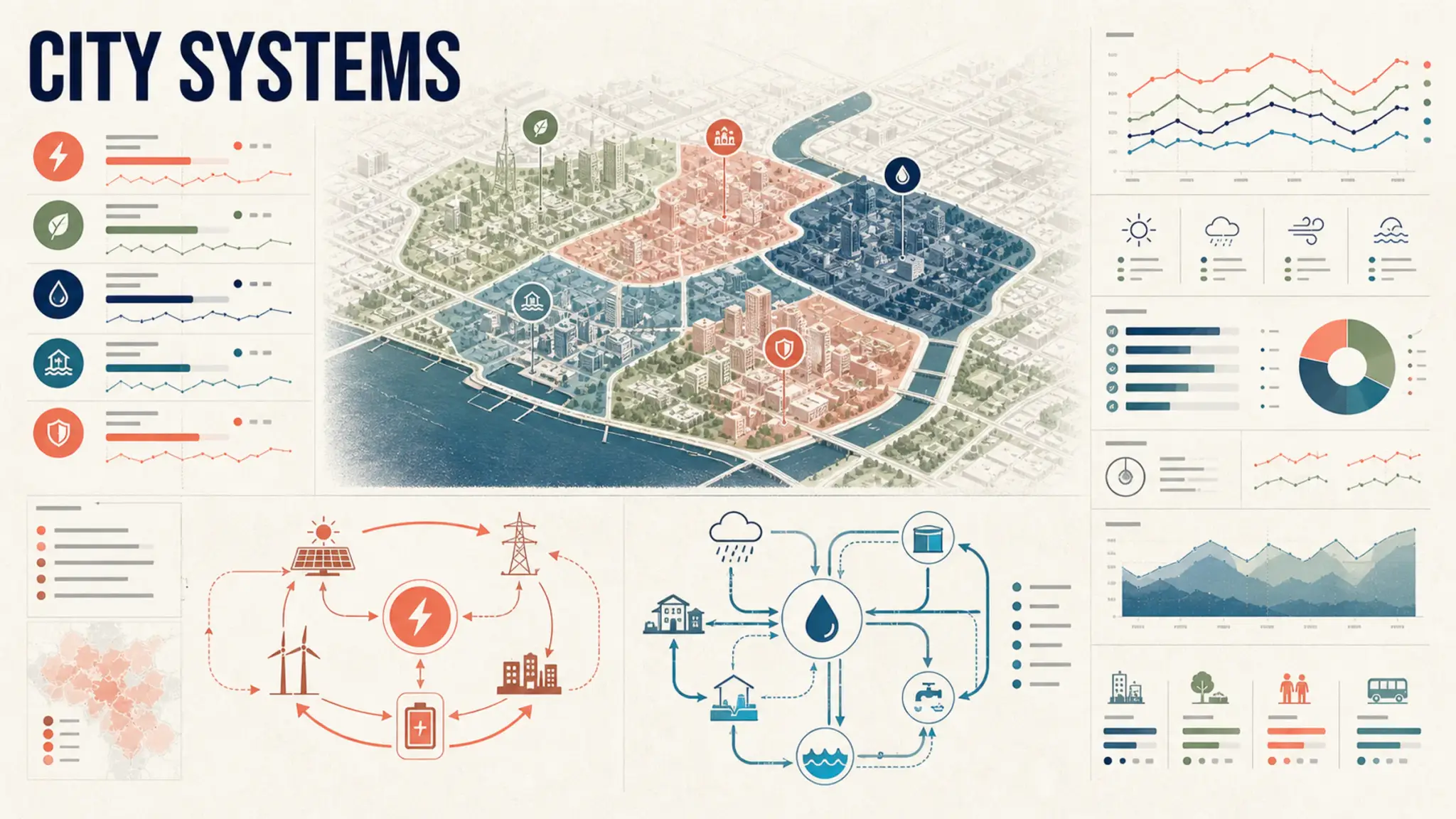
Seedream 5.0 Pro is designed for high-density infographics and complex layouts. Give the content a hierarchy, name the visual format, and specify the audience and reading order.

  • Define the map, chart, diagram, and key modules
  • Quote short text exactly and verify it before publishing
  • Reserve white space so dense information stays readable
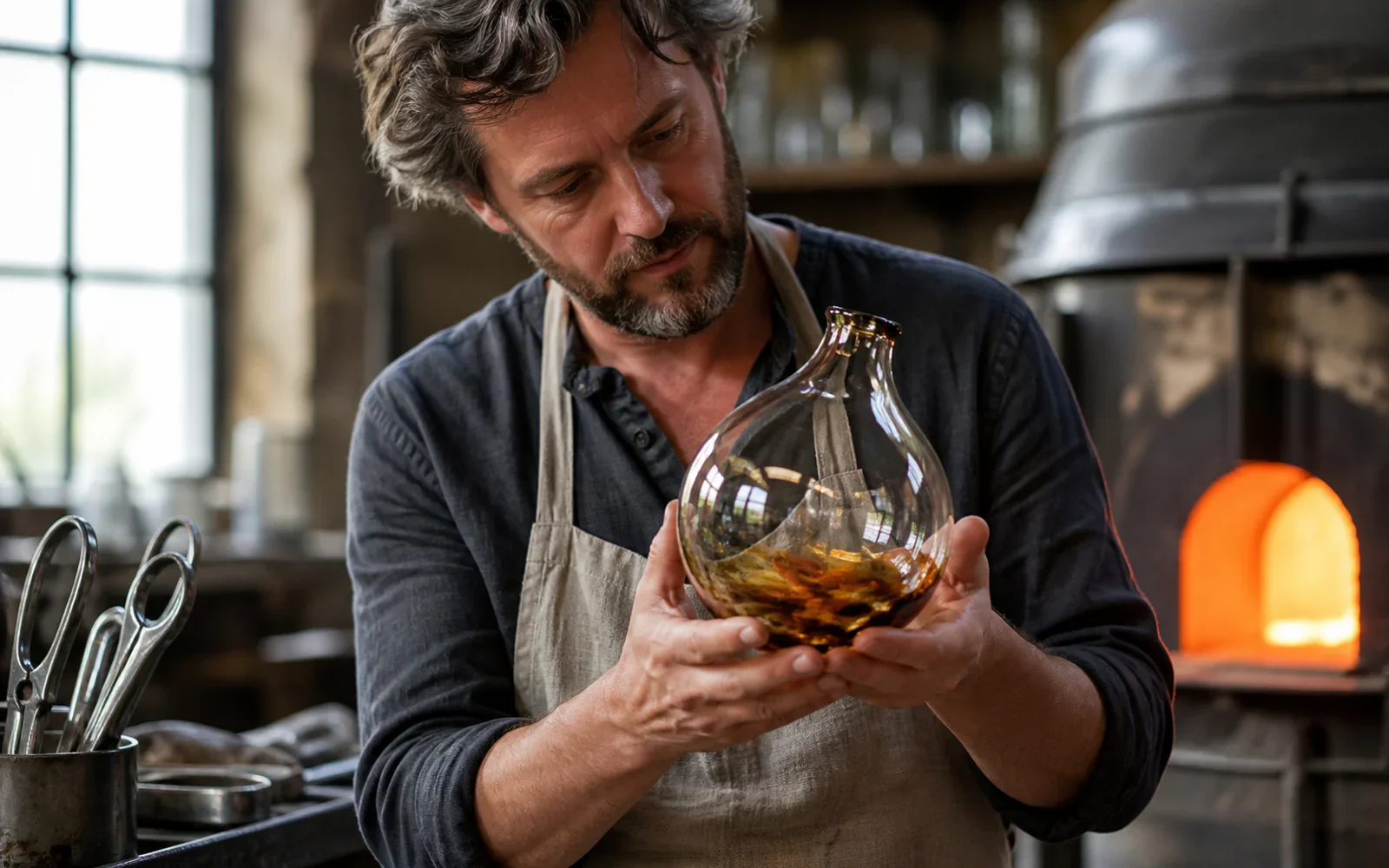
Glass artist examining a hand-blown vessel under warm furnace light and cool window light

PHOTOGRAPHIC QUALITY & CONTROL

Keep light, skin, glass, fabric, and metal believable

The model targets authentic physical lighting, shadow, skin texture, and material response. Concrete camera, light, and surface language makes the result easier to direct.

  • Name the camera distance and the primary light source
  • Describe how glass, metal, fabric, or liquid should behave
  • Inspect hands, reflections, edges, and contact shadows at full size
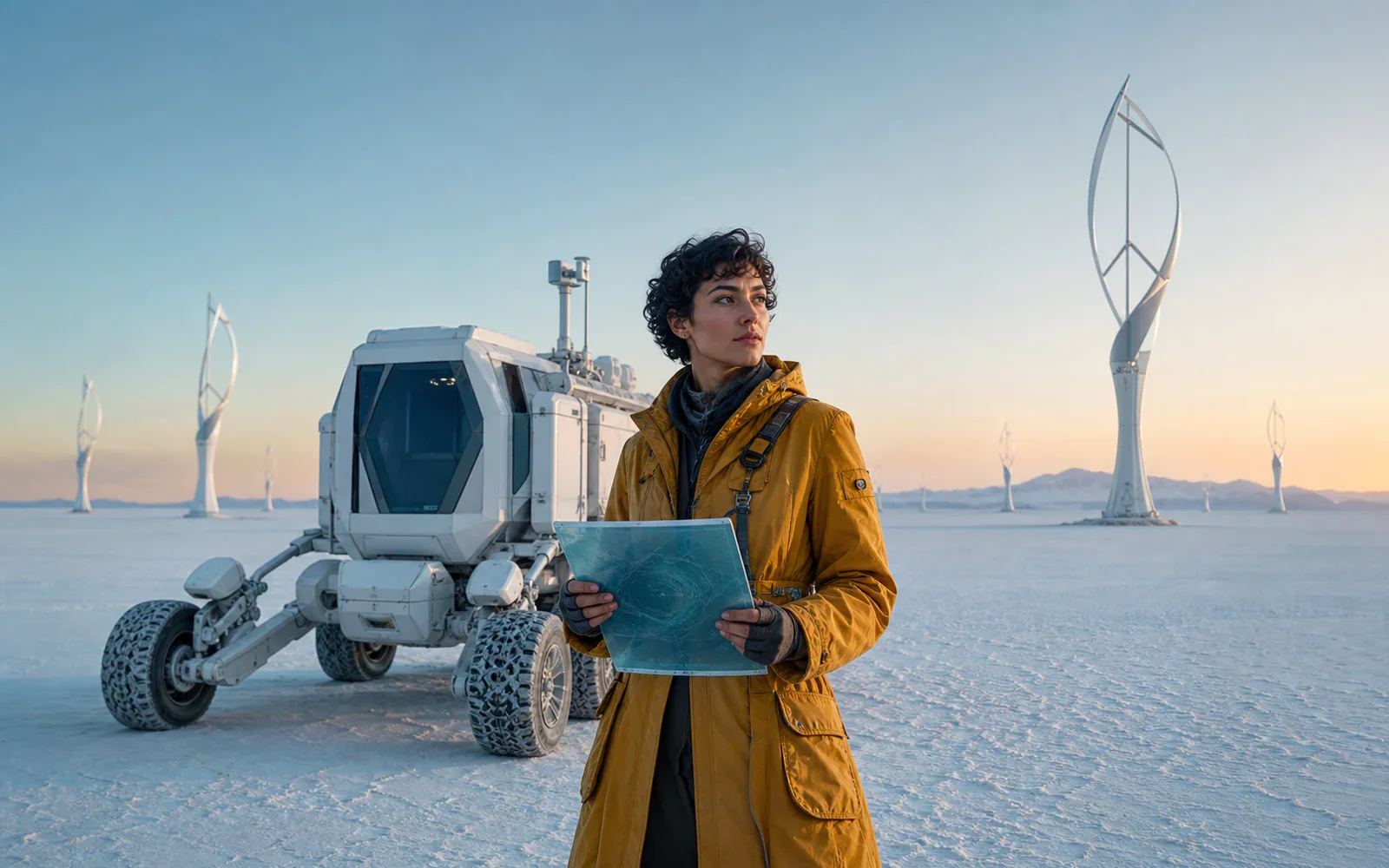
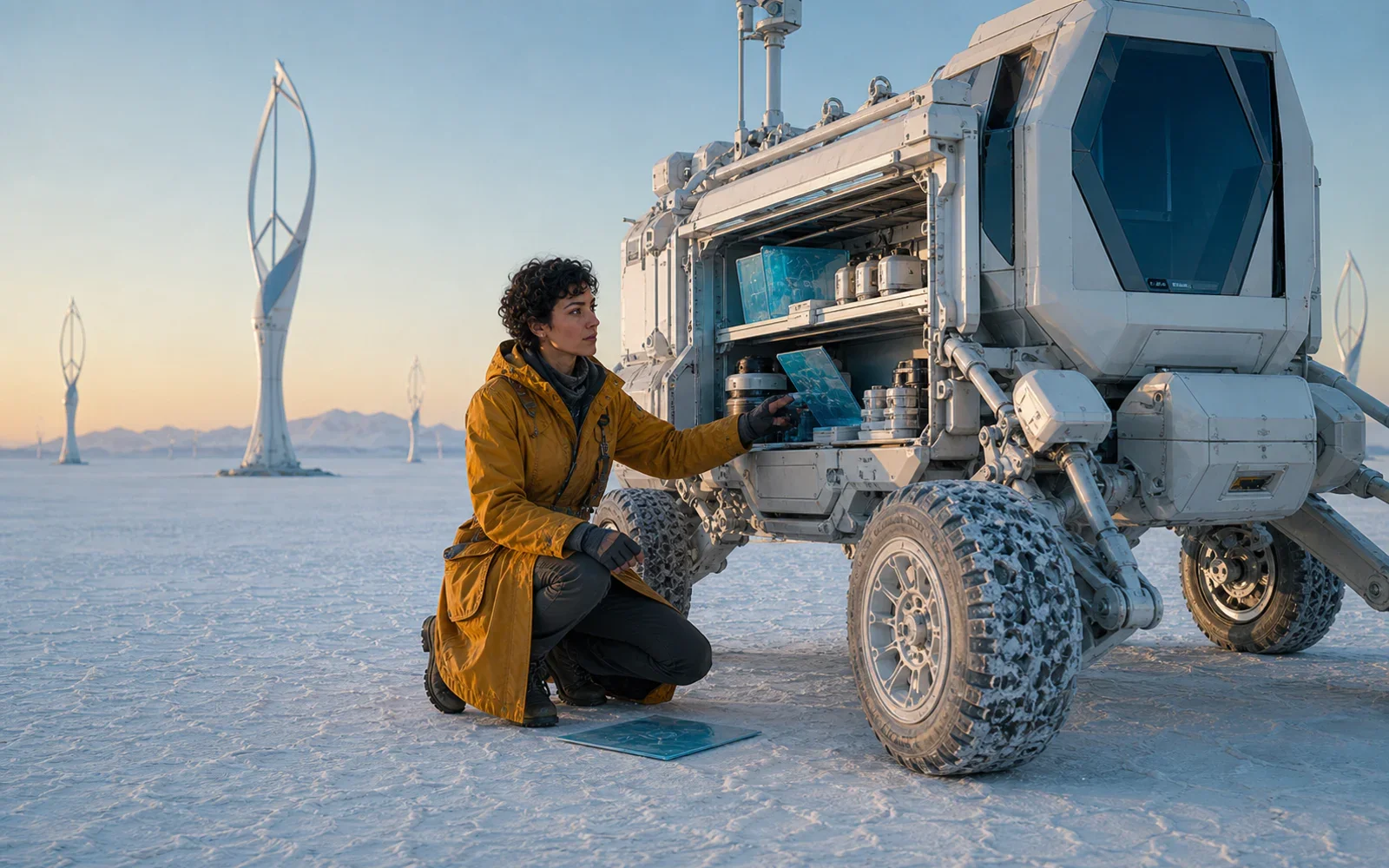
Field cartographer beside a pearl-white mobile lab at dawn
The same cartographer opening the mobile lab equipment bay
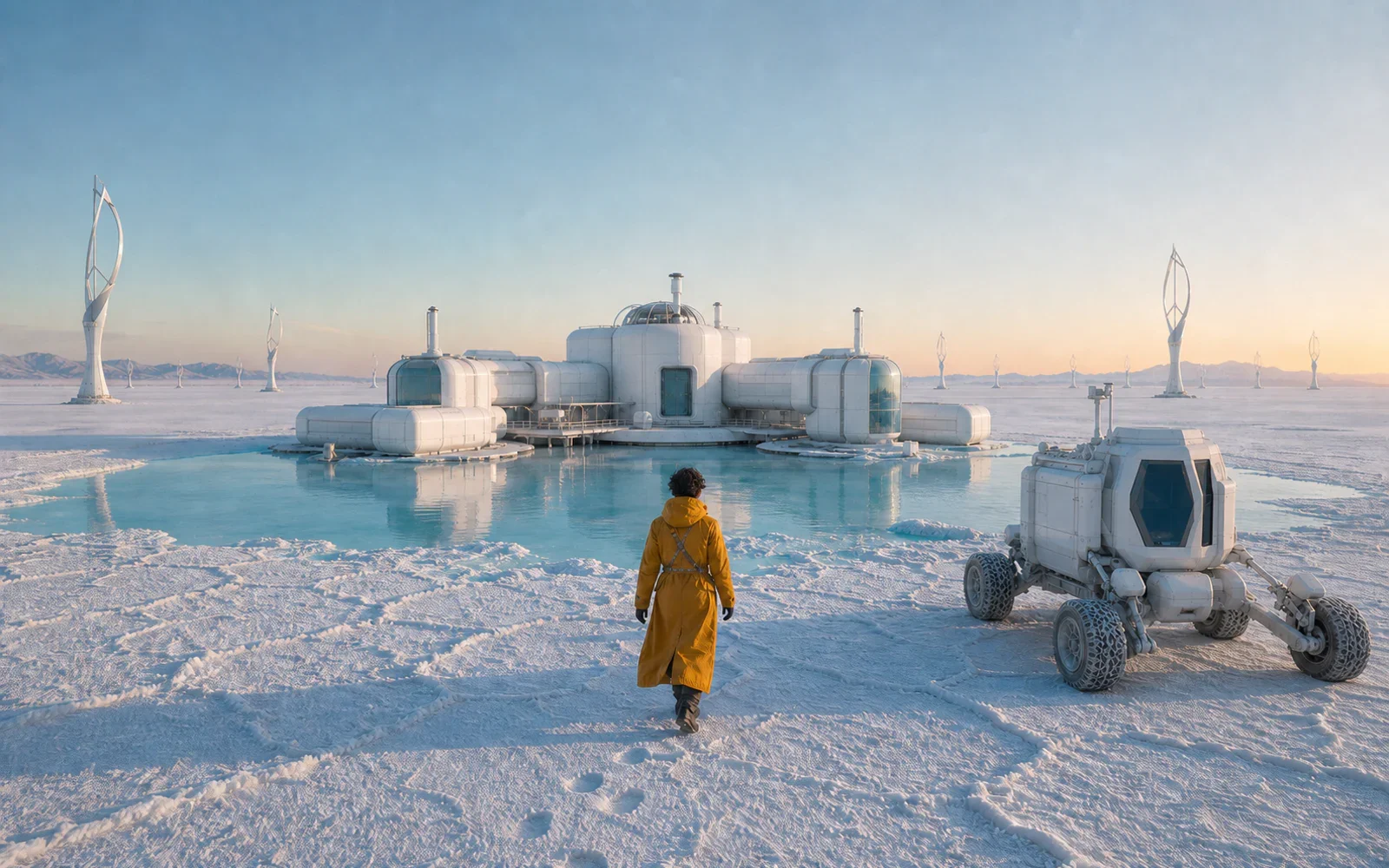
The same cartographer approaching a salt-flat research station

SEEDREAM MODEL COMPARISON

작업에 맞게 Pro, Lite, 4.5 선택

Seedream 5.0 Pro는 깊은 추론, 복잡한 레이아웃, 정밀한 보정에 적합합니다. Seedream 5.0 Lite는 빠르고 확장 가능한 제작에, Seedream 4.5는 참고 충실도, 다중 이미지 편집, 타이포그래피에 강합니다.

  • Choose Seedream 5.0 Pro for complex production briefs
  • Choose Seedream 5.0 Lite for faster campaign iterations
  • Choose Seedream 4.5 when reference fidelity is the priority
High-density city systems infographic with maps, loops, charts, and modular hierarchy
Show Seedream example 1

전체 브리프를 하나의 명확한 비주얼로

주제, 관계, 레이아웃, 조명, 재질, 유지할 요소를 설명한 뒤 PixPix의 Seedream 5.0 Pro로 제작하세요.

Seedream 5.0 Pro 질문

모델, Seedream 제품군, 프롬프트, 참고 이미지, 책임 있는 사용에 대한 실용적인 답변입니다.

Seedream 5.0 Pro is ByteDance Seed's multimodal image generation model for advanced reasoning, efficient content creation, and professional production. Official materials highlight high-density infographics, interactive editing, photographic quality, and native multilingual generation.