跳到主要內容

Seedream 5.0 Pro

從複雜需求到成熟視覺,獲得更強推理、高密度版面、真實光影與多語言生成能力,並與 Seedream 5.0 Lite、Seedream 4.5 一起選擇合適模型。

如何使用 Seedream 5.0 Pro 建立與編輯

從文字或參考圖開始,明確說明修改內容,匯出前仔細檢查結果。

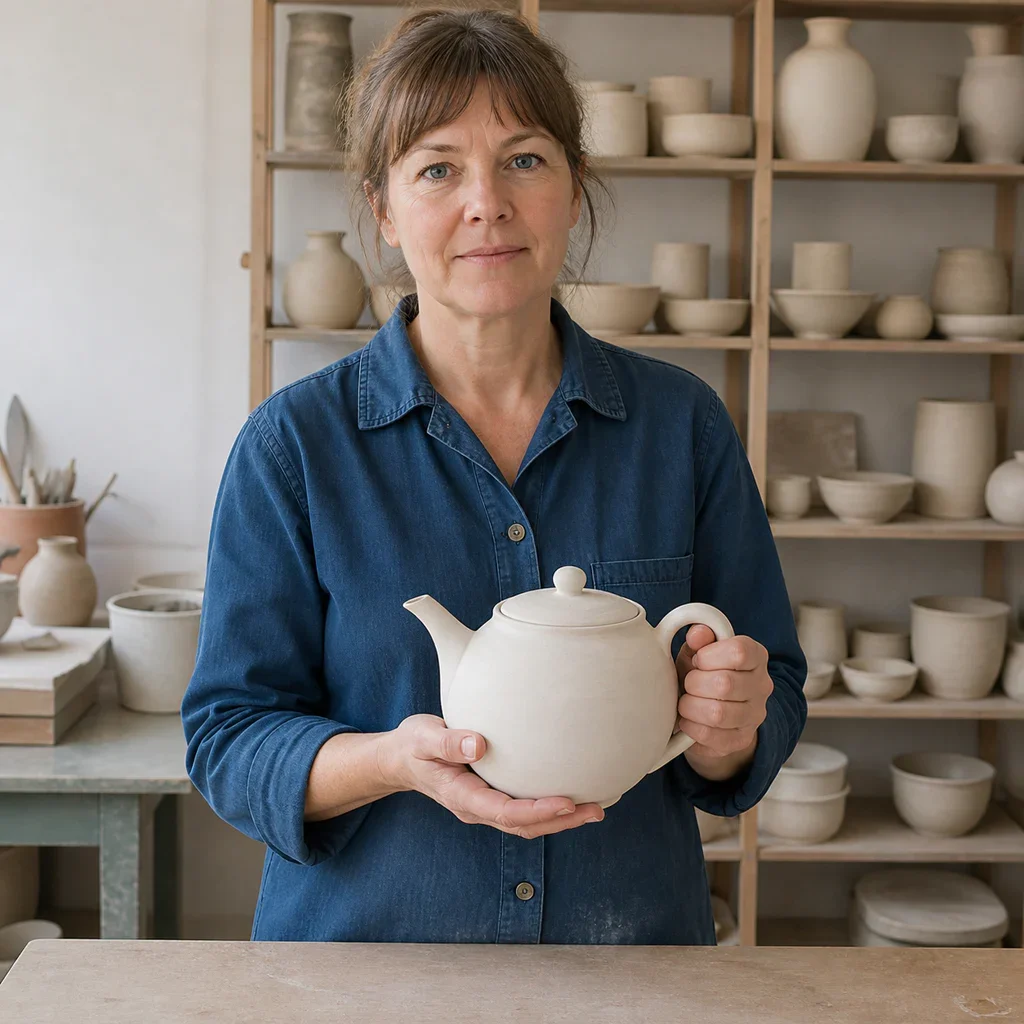
Your image
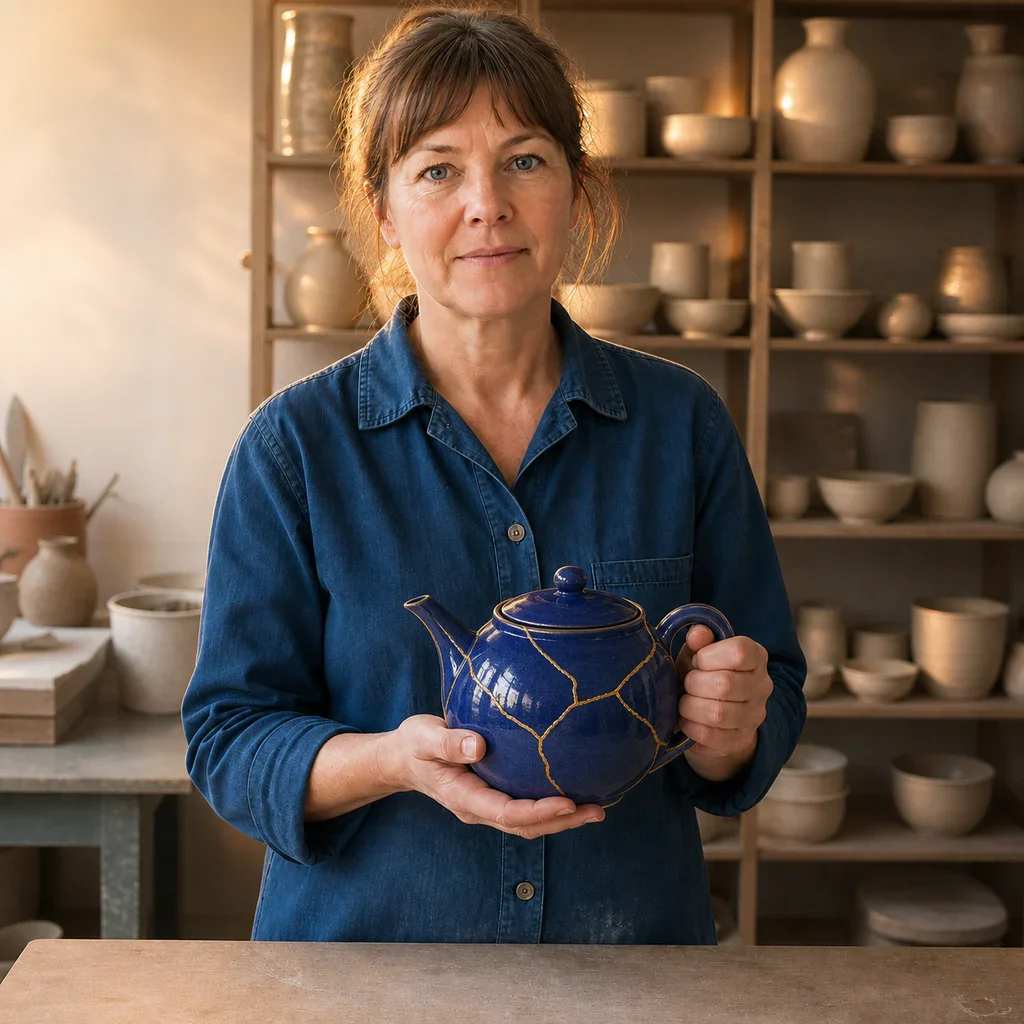
Neutral ceramic artist portrait used as the Seedream 5.0 Pro editing reference
Add a reference image

Step 1: Add a reference (optional)

Upload an image when identity, product shape, pose, composition, or visual direction should carry into the result.

Keep the ceramic artist, face, pose, blue shirt, hands, camera, and studio layout unchanged. Glaze only the teapot deep cobalt blue with fine gold repair lines and add warm editorial rim light.

Step 2: State the change and invariants

Describe the target, action, layout, style, and lighting. For edits, say exactly what must remain unchanged.

Edited ceramic artist portrait with the same composition and a cobalt kintsugi teapot

Step 3: Generate, inspect, and refine

Check faces, hands, text, product structure, and reference fidelity, then adjust one instruction at a time.

Seedream 5.0 Pro 適合處理什麼

當視覺需要結構化資訊、真實材質、仔細構圖或可控參考圖流程時,選擇專業模型。

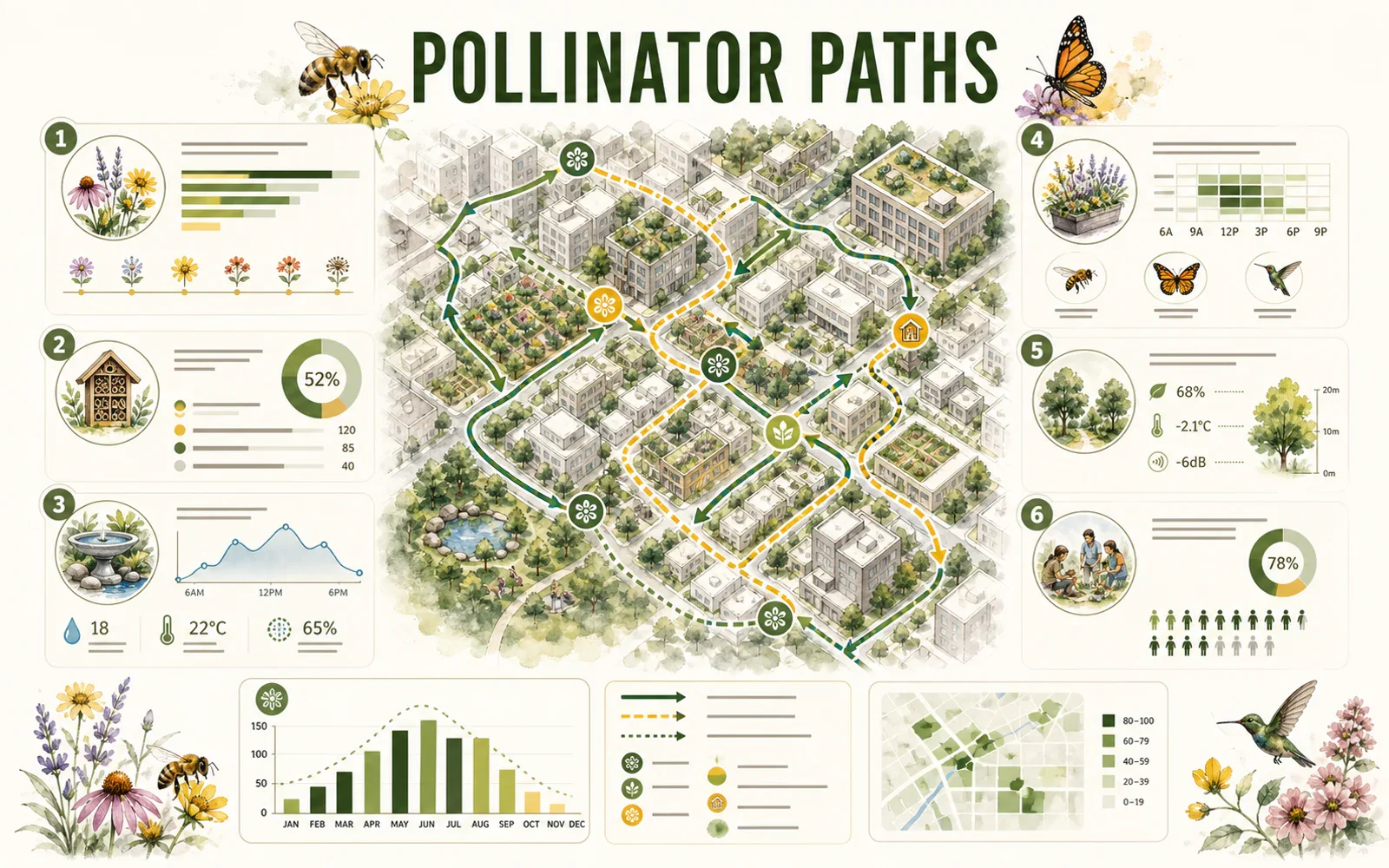
Editorial pollinator-path infographic with a city map, charts, icons, and structured modules

REASONING & INFORMATION DESIGN

Organize more information without losing the story

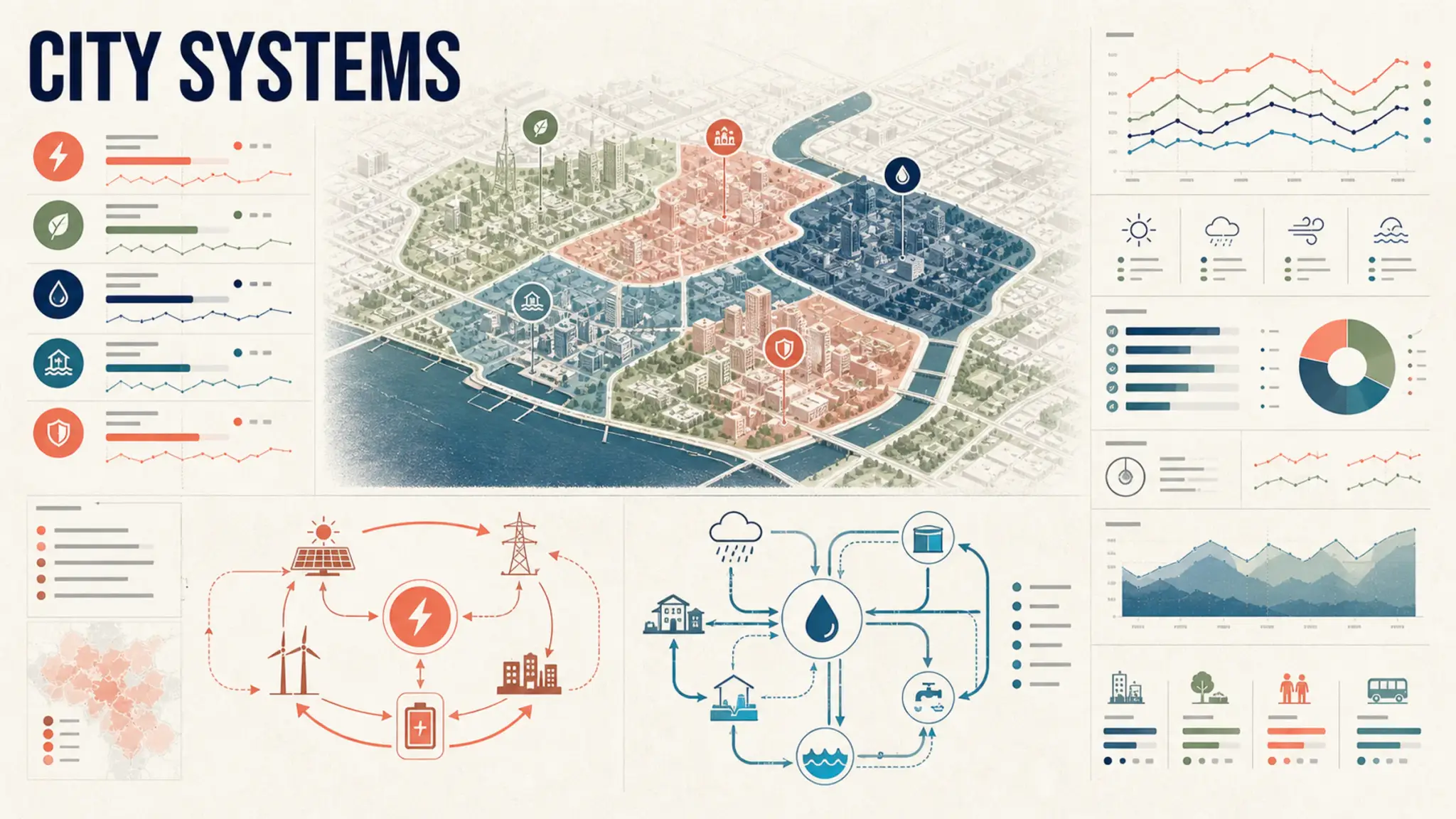
Seedream 5.0 Pro is designed for high-density infographics and complex layouts. Give the content a hierarchy, name the visual format, and specify the audience and reading order.

  • Define the map, chart, diagram, and key modules
  • Quote short text exactly and verify it before publishing
  • Reserve white space so dense information stays readable
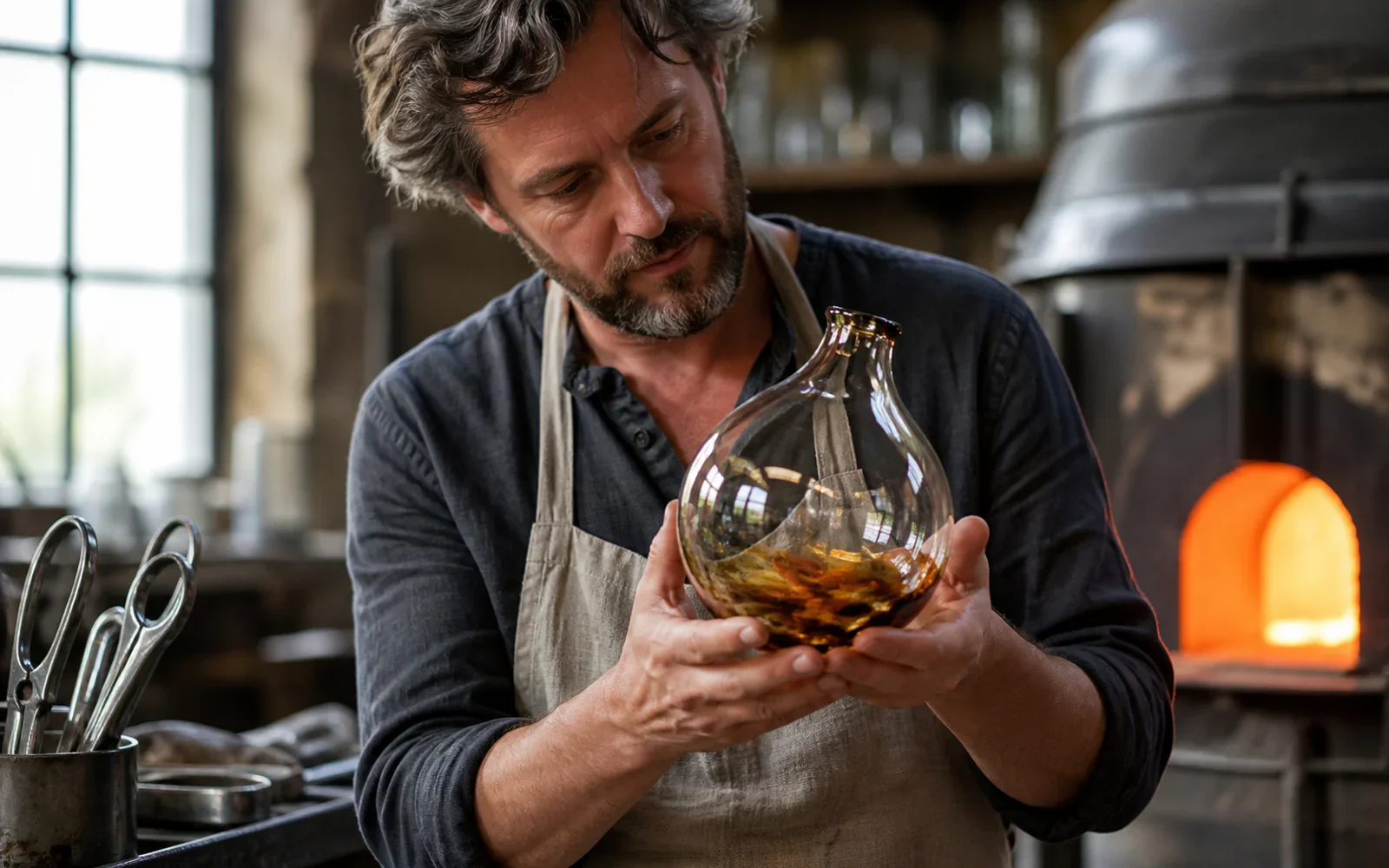
Glass artist examining a hand-blown vessel under warm furnace light and cool window light

PHOTOGRAPHIC QUALITY & CONTROL

Keep light, skin, glass, fabric, and metal believable

The model targets authentic physical lighting, shadow, skin texture, and material response. Concrete camera, light, and surface language makes the result easier to direct.

  • Name the camera distance and the primary light source
  • Describe how glass, metal, fabric, or liquid should behave
  • Inspect hands, reflections, edges, and contact shadows at full size

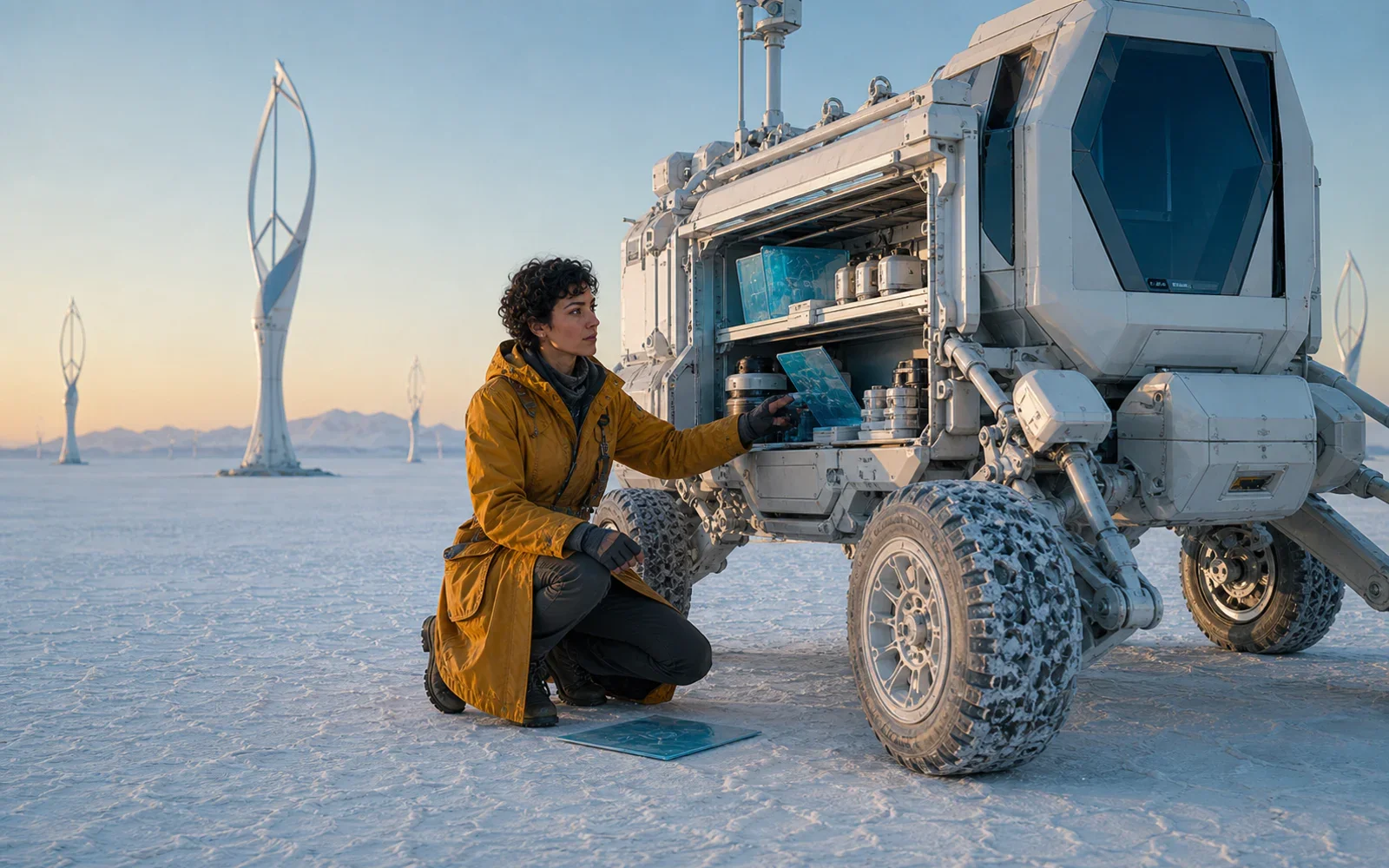
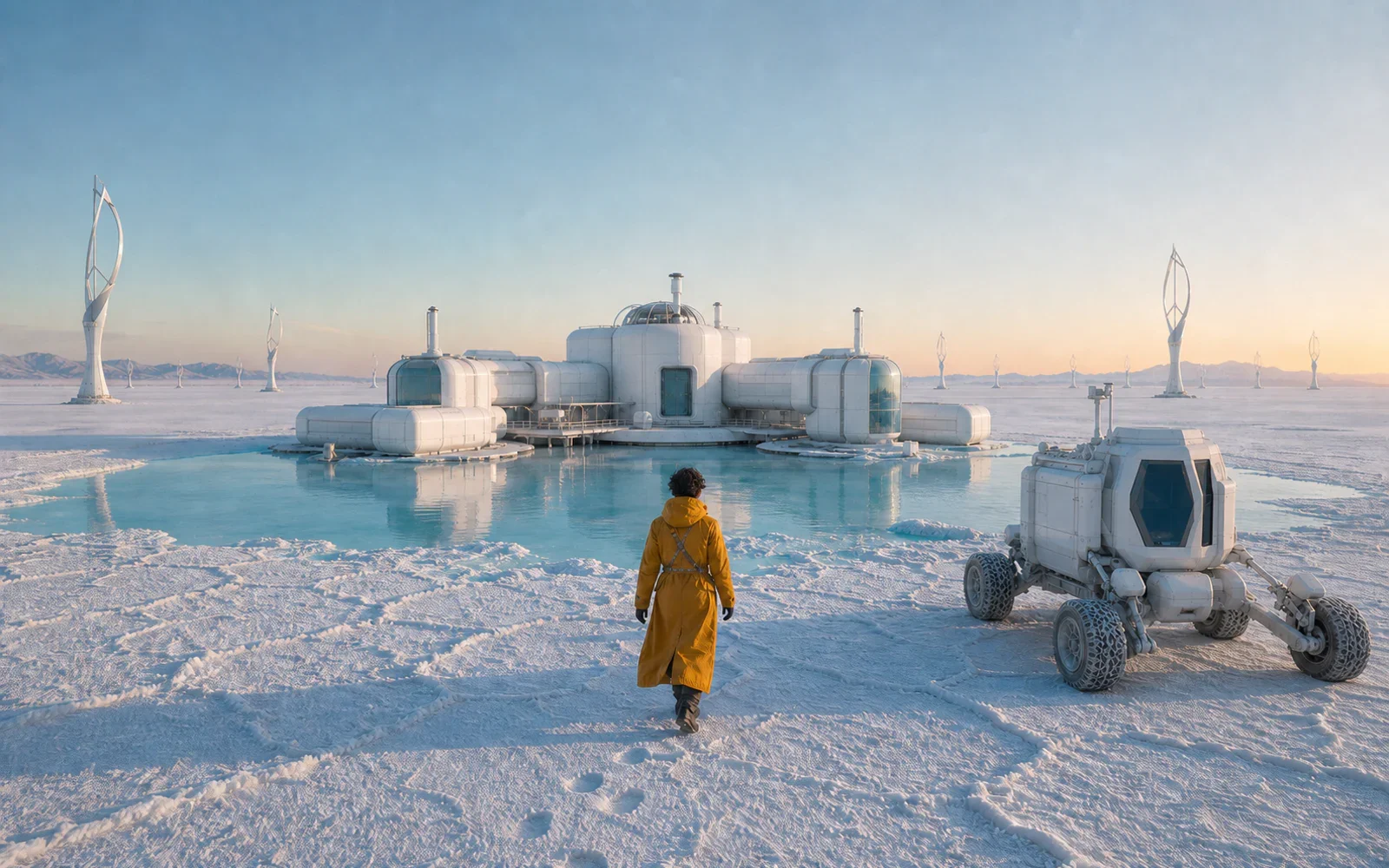
Field cartographer beside a pearl-white mobile lab at dawn
The same cartographer opening the mobile lab equipment bay
The same cartographer approaching a salt-flat research station

SEEDREAM MODEL COMPARISON

為任務選擇 Pro、Lite 或 4.5

Seedream 5.0 Pro 適合深度推理、複雜版面與精細調整;Seedream 5.0 Lite 適合快速、可規模化的創作;Seedream 4.5 仍適合參考一致性、多圖編輯與排版設計。

  • Choose Seedream 5.0 Pro for complex production briefs
  • Choose Seedream 5.0 Lite for faster campaign iterations
  • Choose Seedream 4.5 when reference fidelity is the priority
High-density city systems infographic with maps, loops, charts, and modular hierarchy
Show Seedream example 1

把完整需求變成一張清晰視覺

描述主體、關係、版面、光線、材質與不變項,然後在 PixPix 使用 Seedream 5.0 Pro 開始創作。

Seedream 5.0 Pro 常見問題

了解模型、Seedream 家族、提示詞、參考圖與負責任使用。

Seedream 5.0 Pro is ByteDance Seed's multimodal image generation model for advanced reasoning, efficient content creation, and professional production. Official materials highlight high-density infographics, interactive editing, photographic quality, and native multilingual generation.