Lewati ke konten utama

Seedream 5.0 Pro

Ubah brief kompleks menjadi visual matang dengan penalaran lebih kuat, layout padat, cahaya realistis, dan kreasi multibahasa. Bandingkan Pro dengan Seedream 5.0 Lite dan Seedream 4.5.

Cara membuat dan mengedit dengan Seedream 5.0 Pro

Mulai dari teks atau gambar referensi, jelaskan perubahan, lalu periksa hasil sebelum ekspor.

Your image
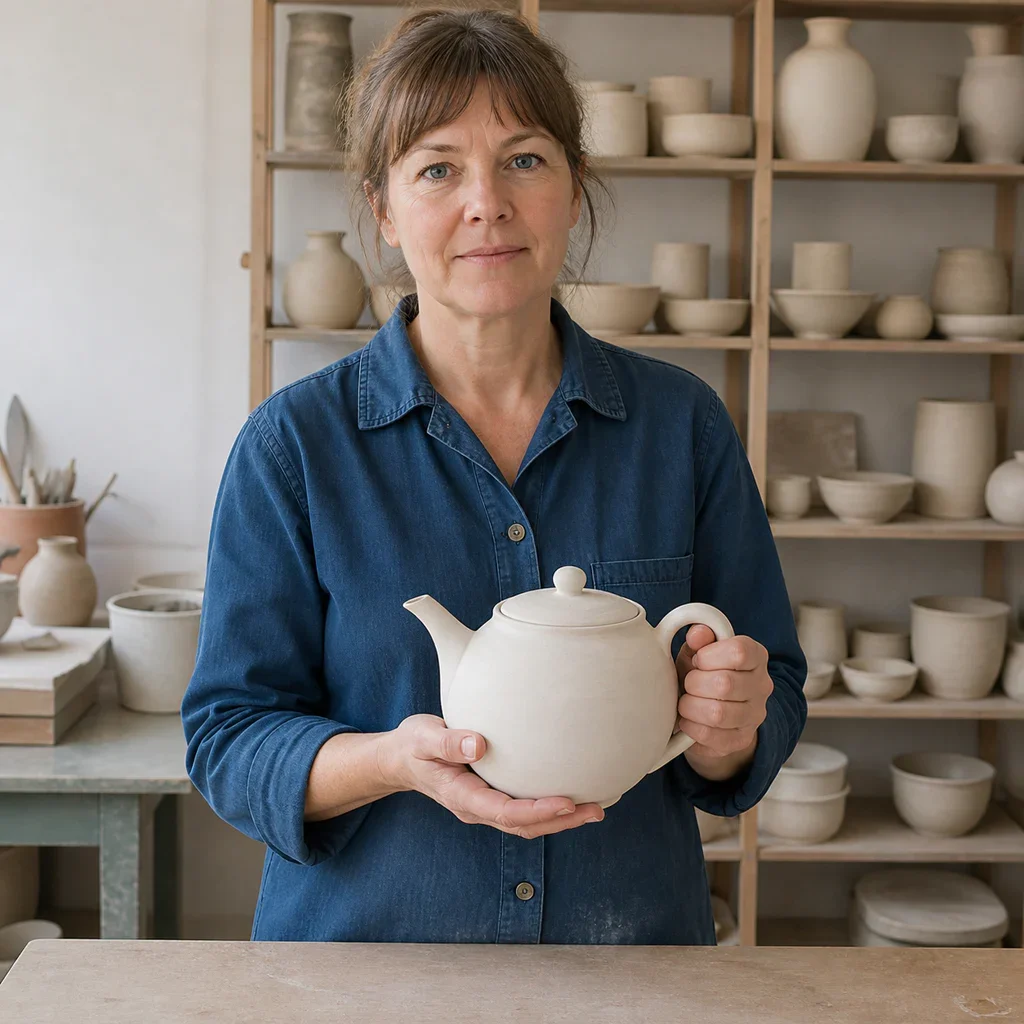
Neutral ceramic artist portrait used as the Seedream 5.0 Pro editing reference
Add a reference image

Step 1: Add a reference (optional)

Upload an image when identity, product shape, pose, composition, or visual direction should carry into the result.

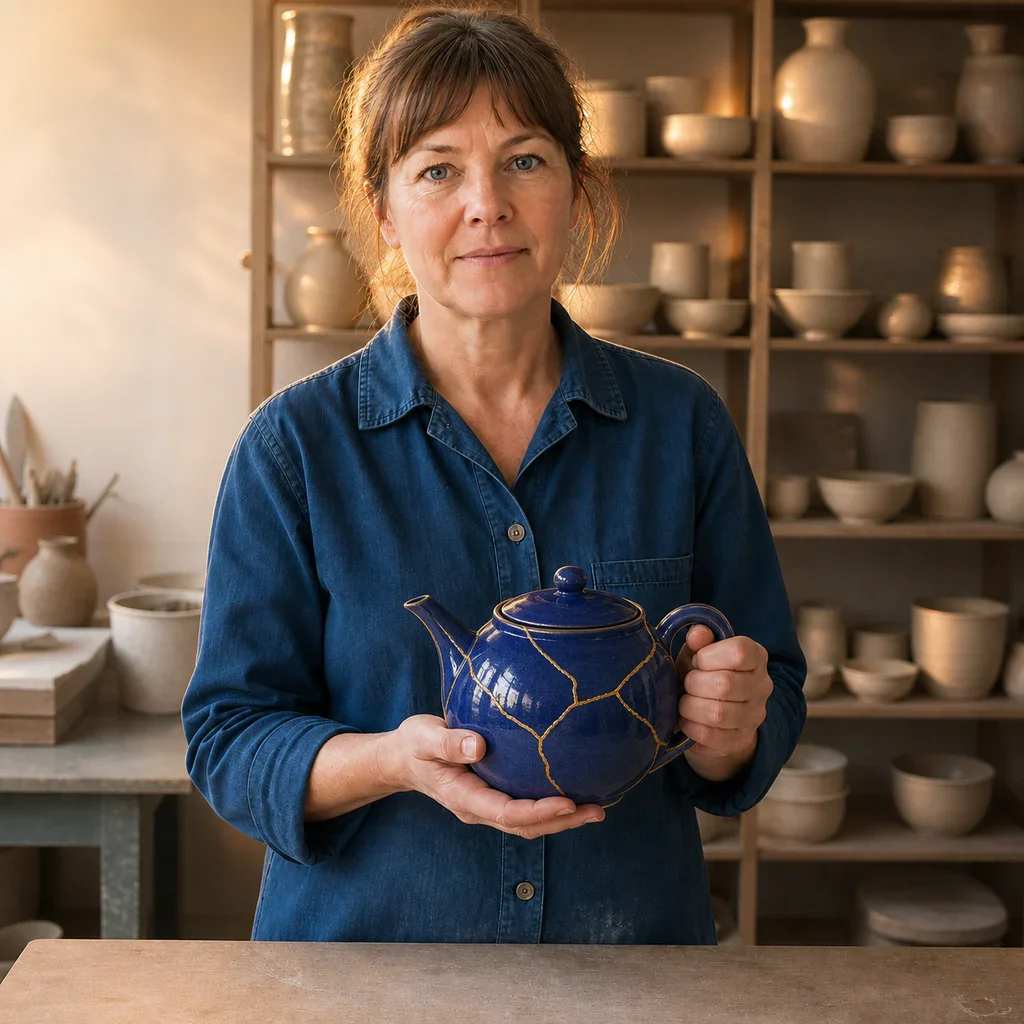
Keep the ceramic artist, face, pose, blue shirt, hands, camera, and studio layout unchanged. Glaze only the teapot deep cobalt blue with fine gold repair lines and add warm editorial rim light.

Step 2: State the change and invariants

Describe the target, action, layout, style, and lighting. For edits, say exactly what must remain unchanged.

Edited ceramic artist portrait with the same composition and a cobalt kintsugi teapot

Step 3: Generate, inspect, and refine

Check faces, hands, text, product structure, and reference fidelity, then adjust one instruction at a time.

Tugas yang dirancang untuk Seedream 5.0 Pro

Gunakan model profesional untuk informasi terstruktur, material realistis, komposisi cermat, atau alur referensi yang terkontrol.

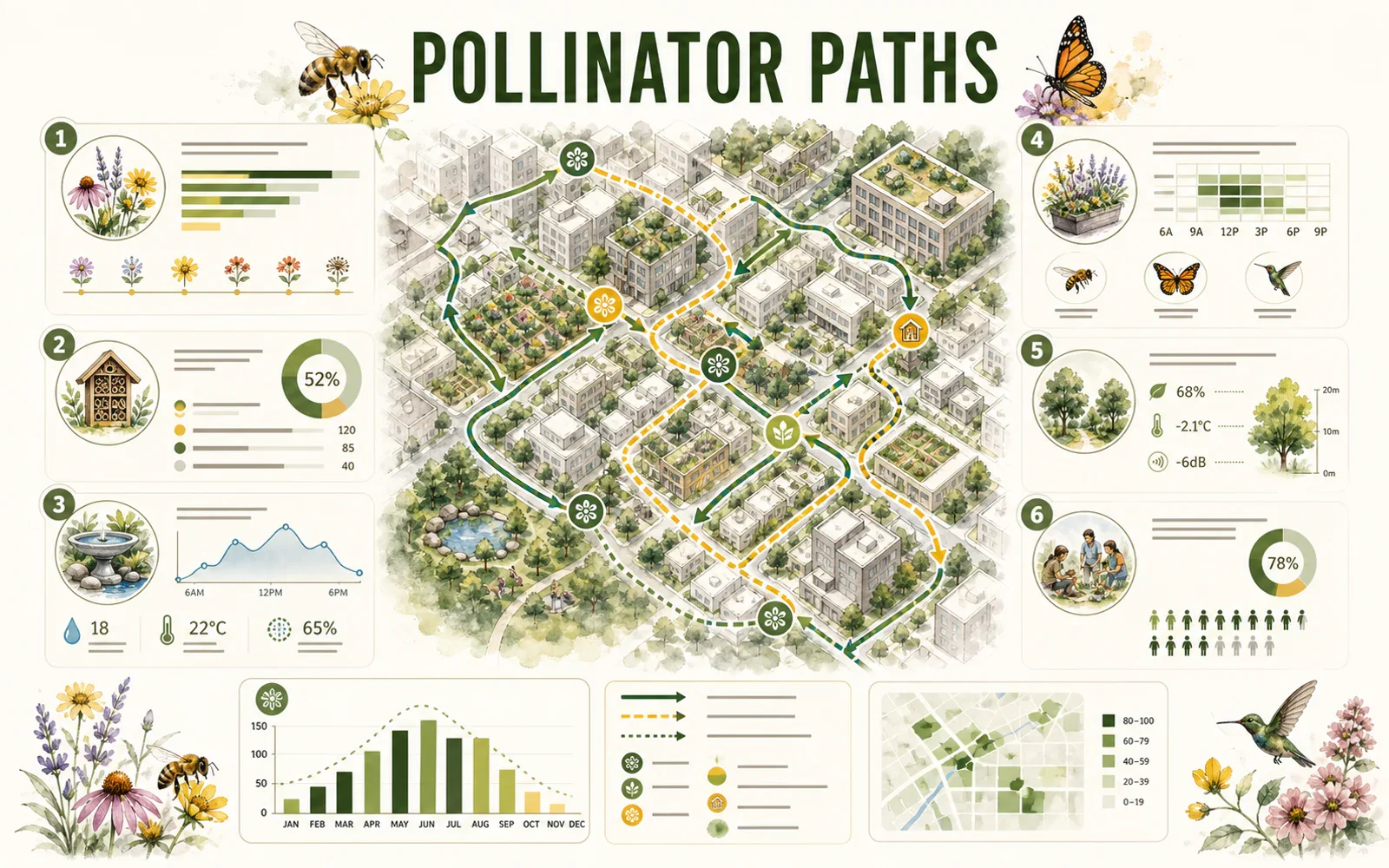
Editorial pollinator-path infographic with a city map, charts, icons, and structured modules

REASONING & INFORMATION DESIGN

Organize more information without losing the story

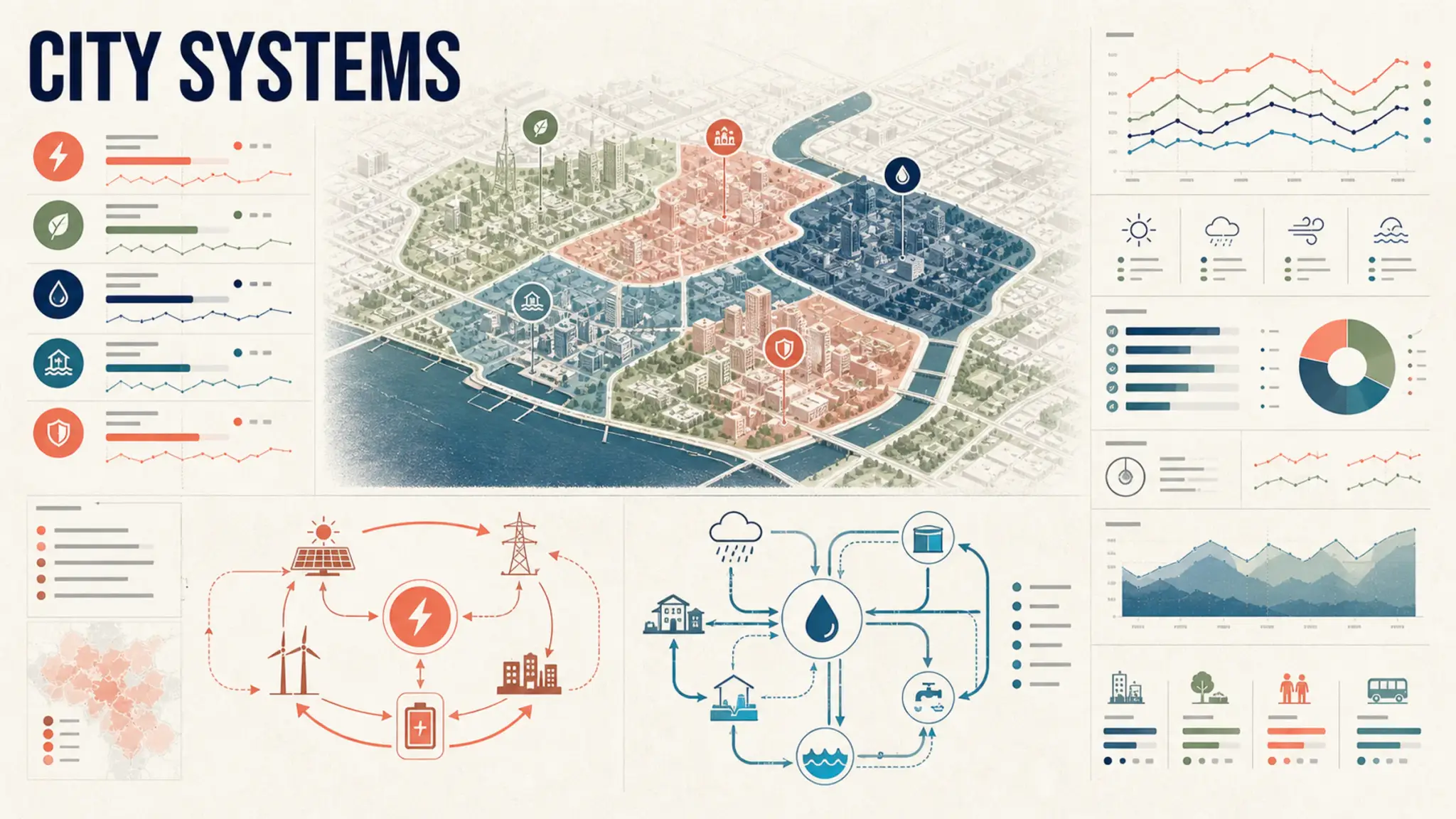
Seedream 5.0 Pro is designed for high-density infographics and complex layouts. Give the content a hierarchy, name the visual format, and specify the audience and reading order.

  • Define the map, chart, diagram, and key modules
  • Quote short text exactly and verify it before publishing
  • Reserve white space so dense information stays readable
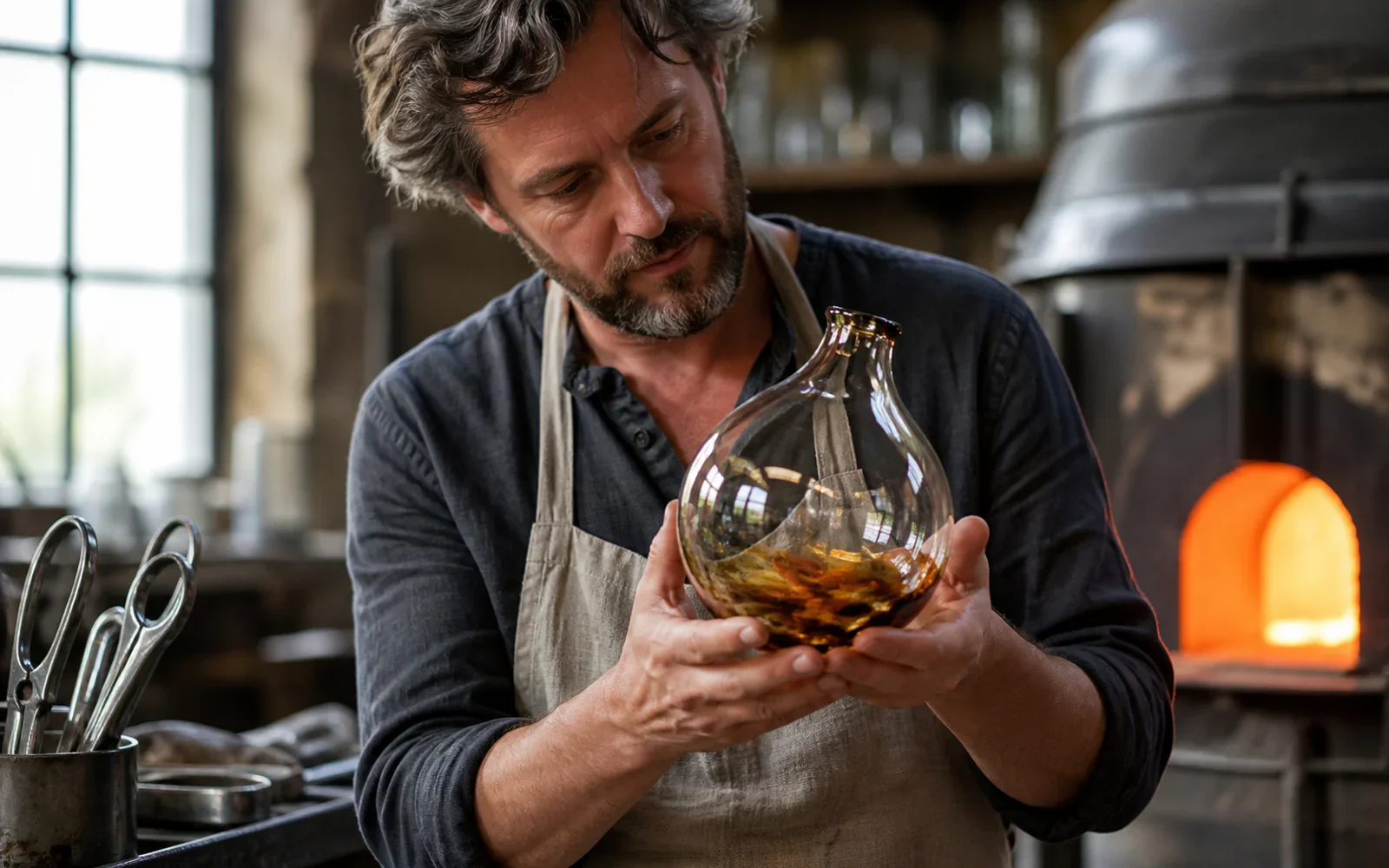
Glass artist examining a hand-blown vessel under warm furnace light and cool window light

PHOTOGRAPHIC QUALITY & CONTROL

Keep light, skin, glass, fabric, and metal believable

The model targets authentic physical lighting, shadow, skin texture, and material response. Concrete camera, light, and surface language makes the result easier to direct.

  • Name the camera distance and the primary light source
  • Describe how glass, metal, fabric, or liquid should behave
  • Inspect hands, reflections, edges, and contact shadows at full size

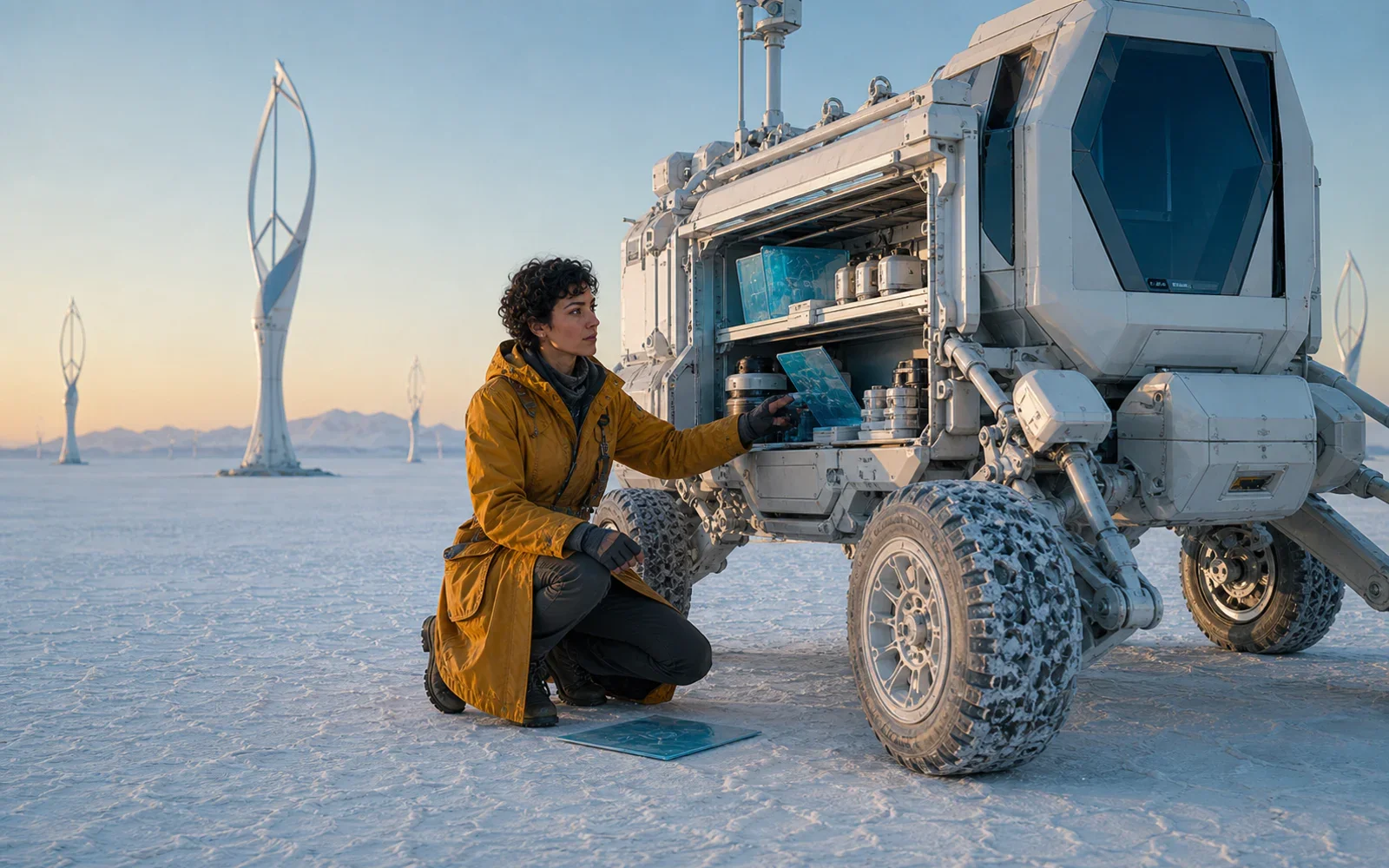
Field cartographer beside a pearl-white mobile lab at dawn
The same cartographer opening the mobile lab equipment bay
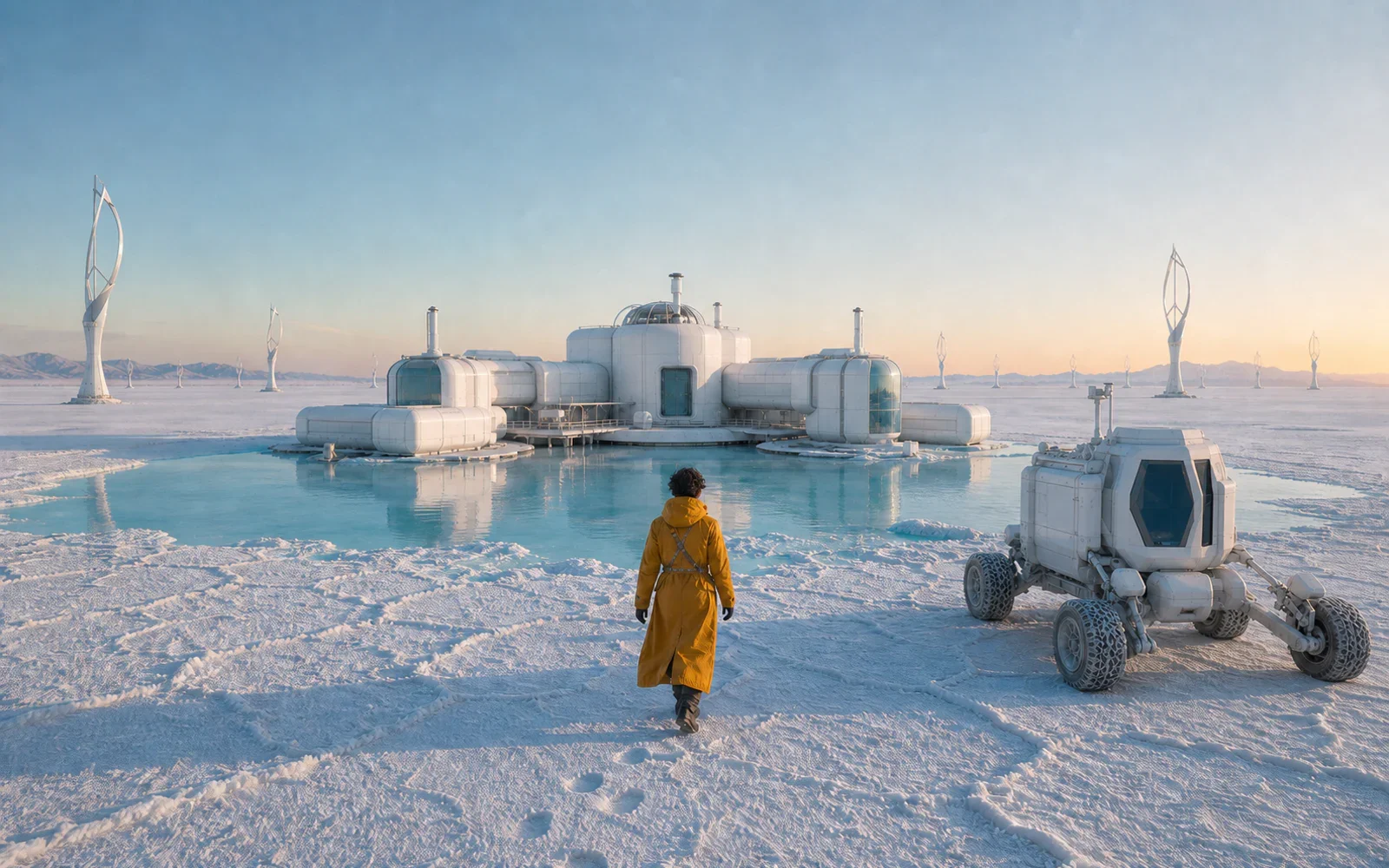
The same cartographer approaching a salt-flat research station

SEEDREAM MODEL COMPARISON

Pilih Pro, Lite, atau 4.5 sesuai tugas

Seedream 5.0 Pro cocok untuk penalaran mendalam, layout kompleks, dan penyempurnaan presisi. Seedream 5.0 Lite cocok untuk produksi cepat dan berskala. Seedream 4.5 tetap kuat untuk fidelitas referensi, edit multi-gambar, dan desain tipografi.

  • Choose Seedream 5.0 Pro for complex production briefs
  • Choose Seedream 5.0 Lite for faster campaign iterations
  • Choose Seedream 4.5 when reference fidelity is the priority
High-density city systems infographic with maps, loops, charts, and modular hierarchy
Show Seedream example 1

UBAH SELURUH BRIEF MENJADI SATU VISUAL JELAS

Jelaskan subjek, hubungan, layout, cahaya, material, dan bagian yang tidak boleh berubah. Lalu buat dengan Seedream 5.0 Pro di PixPix.

Pertanyaan Seedream 5.0 Pro

Jawaban praktis tentang model, keluarga Seedream, prompt, referensi, dan penggunaan bertanggung jawab.

Seedream 5.0 Pro is ByteDance Seed's multimodal image generation model for advanced reasoning, efficient content creation, and professional production. Official materials highlight high-density infographics, interactive editing, photographic quality, and native multilingual generation.