12 Product Photography Ideas for Ecommerce Brands
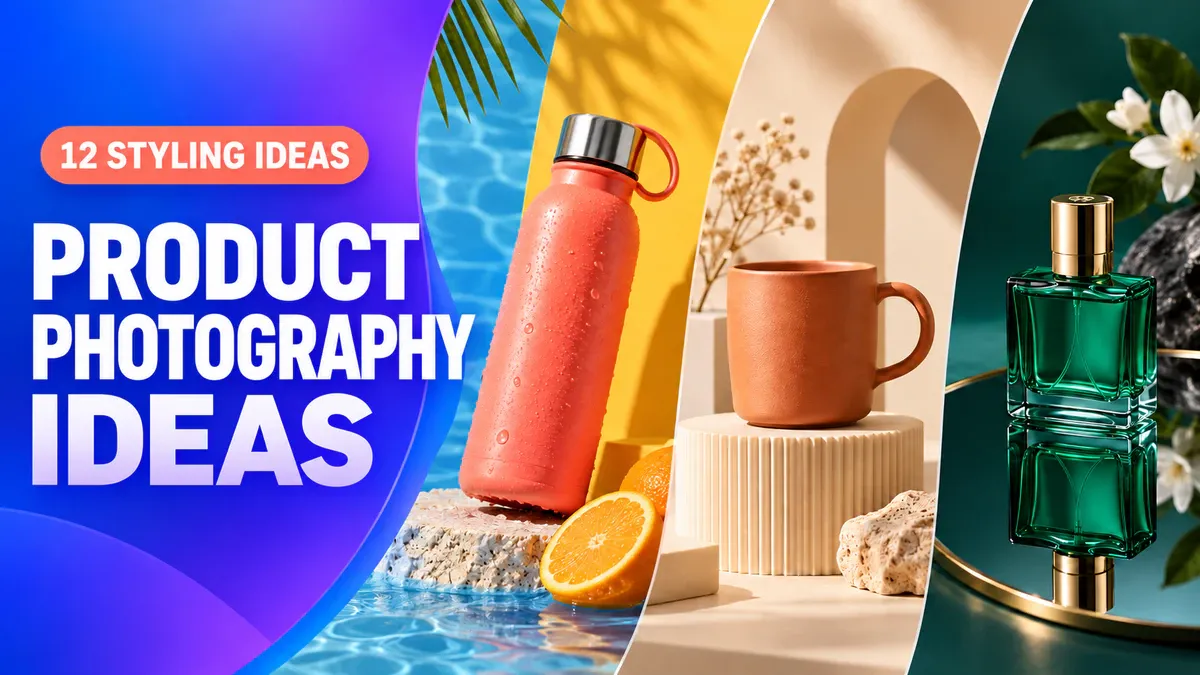
Choose product photography ideas that suit the shape and color of what you sell. A bright bottle can hold its own against bold color blocks. A plain mug benefits from a simple pedestal. Small items from the same range can form a repeating pattern. The 12 setups below show how to arrange products, choose backgrounds, and use light for brand pages, lifestyle images, and ads.
Pick two or three that suit your product for a first round of reference images. You do not need to try them all. The images here are original AI-generated illustrations of each composition, not client campaigns or tested PixPix outputs.
1. Use color and simple sets to make the product stand out
1. Tonal backgrounds: keep the edges visible with lighter and darker shades
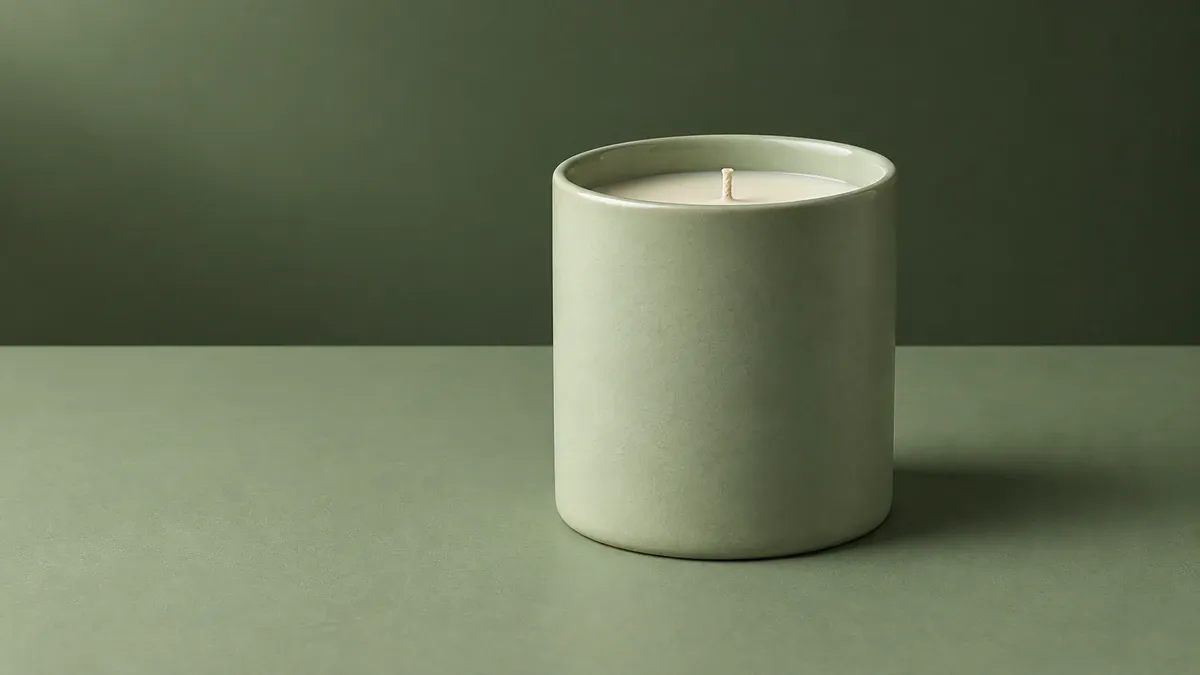
A pale green candle against a darker green background, with its rim and side clearly defined
A tonal setup keeps the product, surface, and background within a similar color family. A pale green candle against green paper feels cohesive without many props. Give the shades enough separation: a slightly darker background and a lighter side facing the light help the rim stay visible.
When choosing background paper, take one color from the packaging and look for a lighter or darker version. Keep the product's actual color unchanged. If the packaging already uses several strong colors, borrow just one for the set.
2. Bold color blocks: give simple packaging a stronger presence
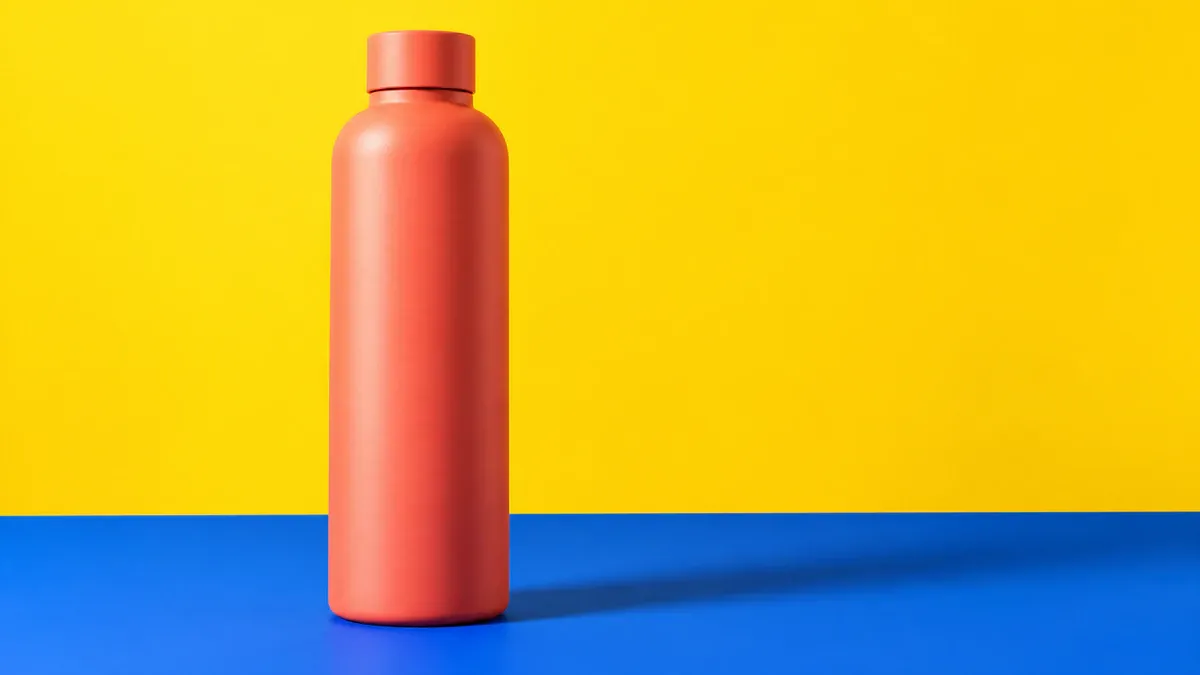
A coral water bottle on a blue surface, clearly separated from a yellow background
Distinct colors such as blue, yellow, and coral work well with uncomplicated bottles, skincare packaging, and small appliances. Try one sheet of background paper and one colored surface. These become two large blocks of color, with the product providing the third. You may not need any props.
Avoid placing the join between colors directly behind a bottle's shoulder or cap, where it can interrupt the outline. With reflective products, check whether the colored surface is casting a tint onto the item. The set can be bold while the product still looks like its real color.
3. Geometric pedestals: add height without overwhelming the product
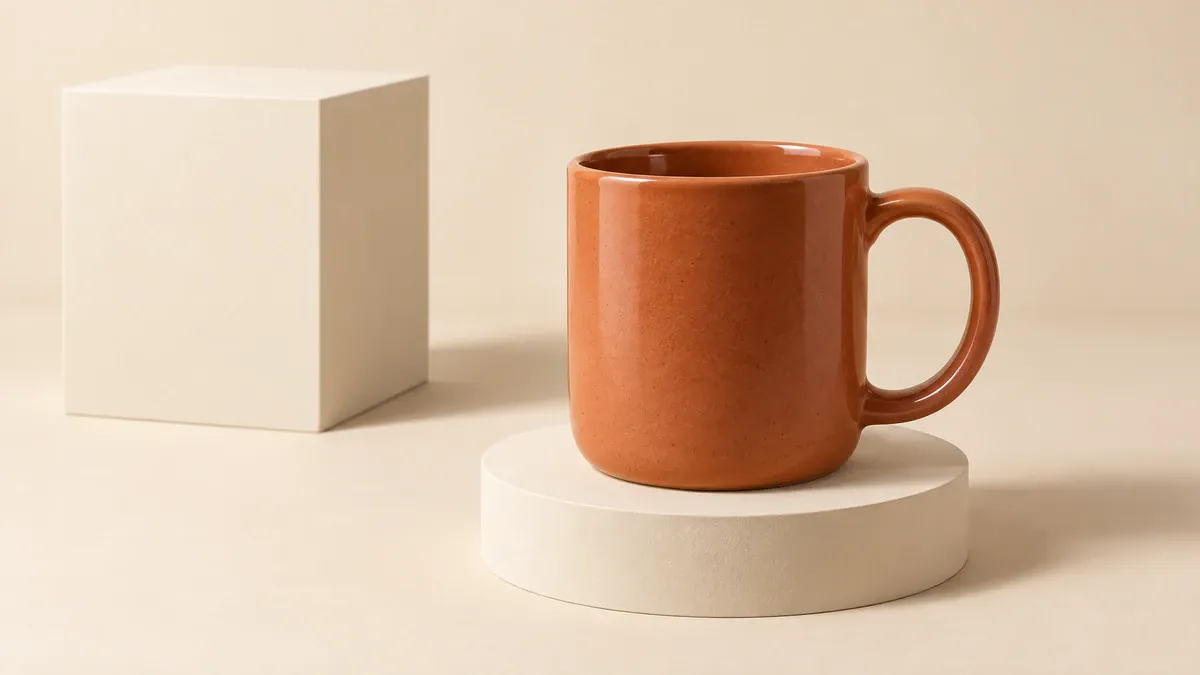
A terracotta mug on a low round pedestal, with an offset block behind it and the full handle visible
Cylinders, blocks, and steps add depth to simple shapes. Place a mug, perfume bottle, or jewelry box on a low platform, then add a geometric prop at a different height nearby. Offset the product and prop so their outlines do not run into each other.
An oversized pedestal can make the product feel like a minor accessory. Start with a size that supports it securely, then adjust the camera position. Keep block edges away from handles, bottle openings, and packaging corners. If the base of the product is a feature you need to show, choose a setup that leaves it visible.
2. Change the arrangement, from repeating patterns to close crops
4. Repeating patterns: give the eye one small variation to notice
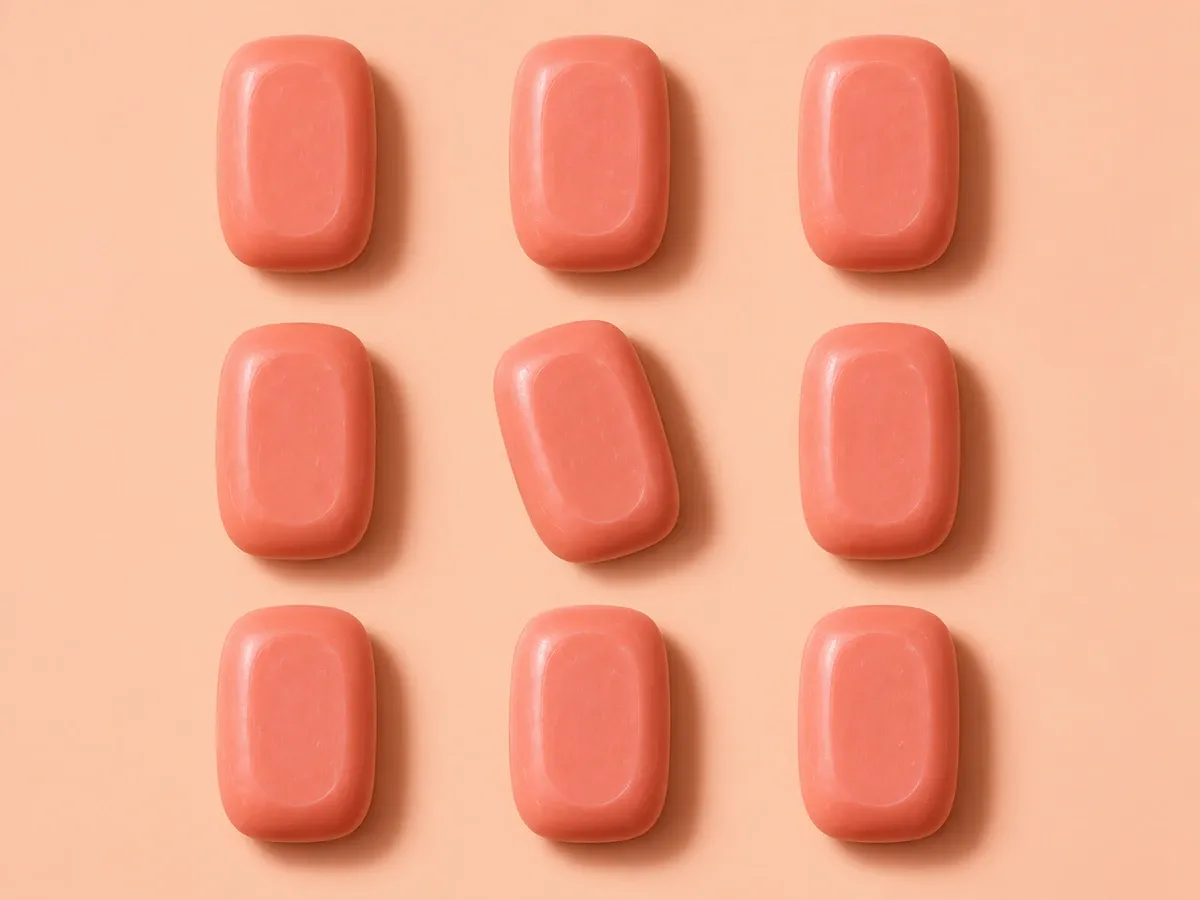
Matching coral soap bars form a grid, with one bar slightly rotated to draw attention
Repeating one product creates an easy-to-read pattern. Soap bars, small jars, and boxed items are good candidates. Make the spacing consistent, then turn one item slightly. That small change gives the viewer a place to pause.
This is a composition idea, not a way to suggest how many items come with an order. If an ad sells a single item, make the quantity clear in the copy and on the purchase page. Use a separate, straightforward bundle image when the purpose is to show exactly what is included.
5. Diagonal arrangements: let long products lead the eye across the frame
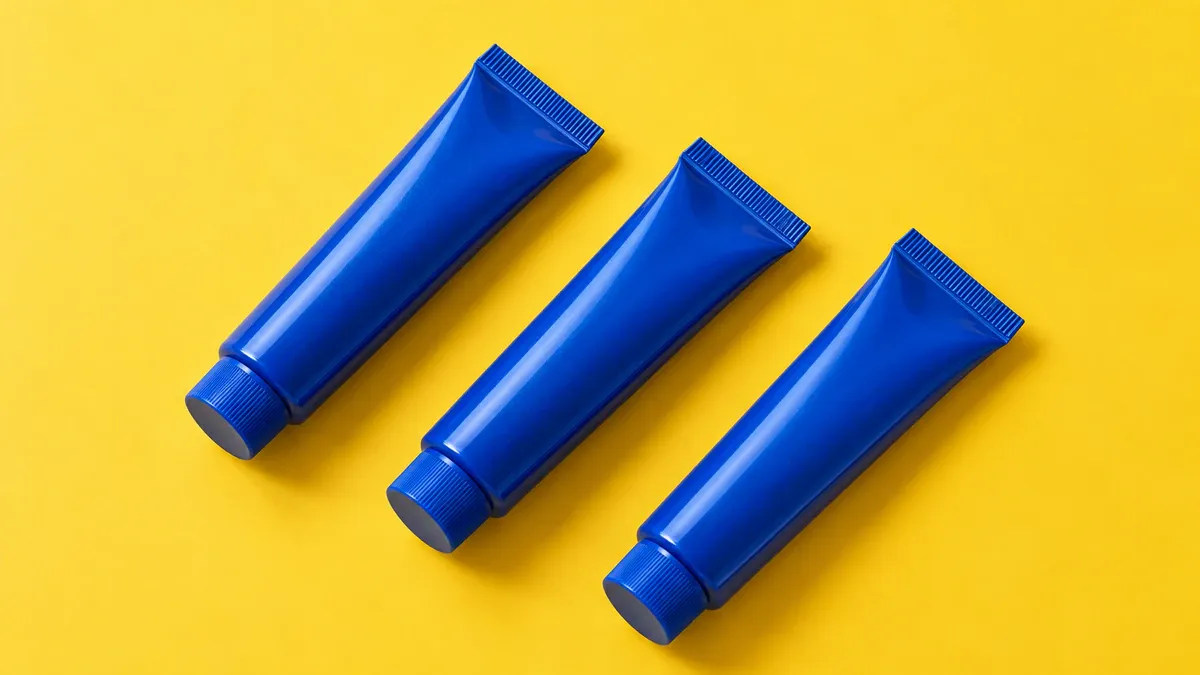
Three blue tubes lie on parallel diagonals, with their caps pointing the same way
Tubes, brushes, pens, and long, flat packages do not have to stand upright in the middle of the frame. Arrange them diagonally and their shapes create a sense of direction. You can lay the objects on a surface and shoot from above; there is no need to suspend them.
Keep one main direction rather than rotating every item differently. Try both square and landscape crops, leaving space at the ends of the arrangement so the outermost products are not accidentally cut off.
6. Organized flat lays: make a group of different objects easy to read
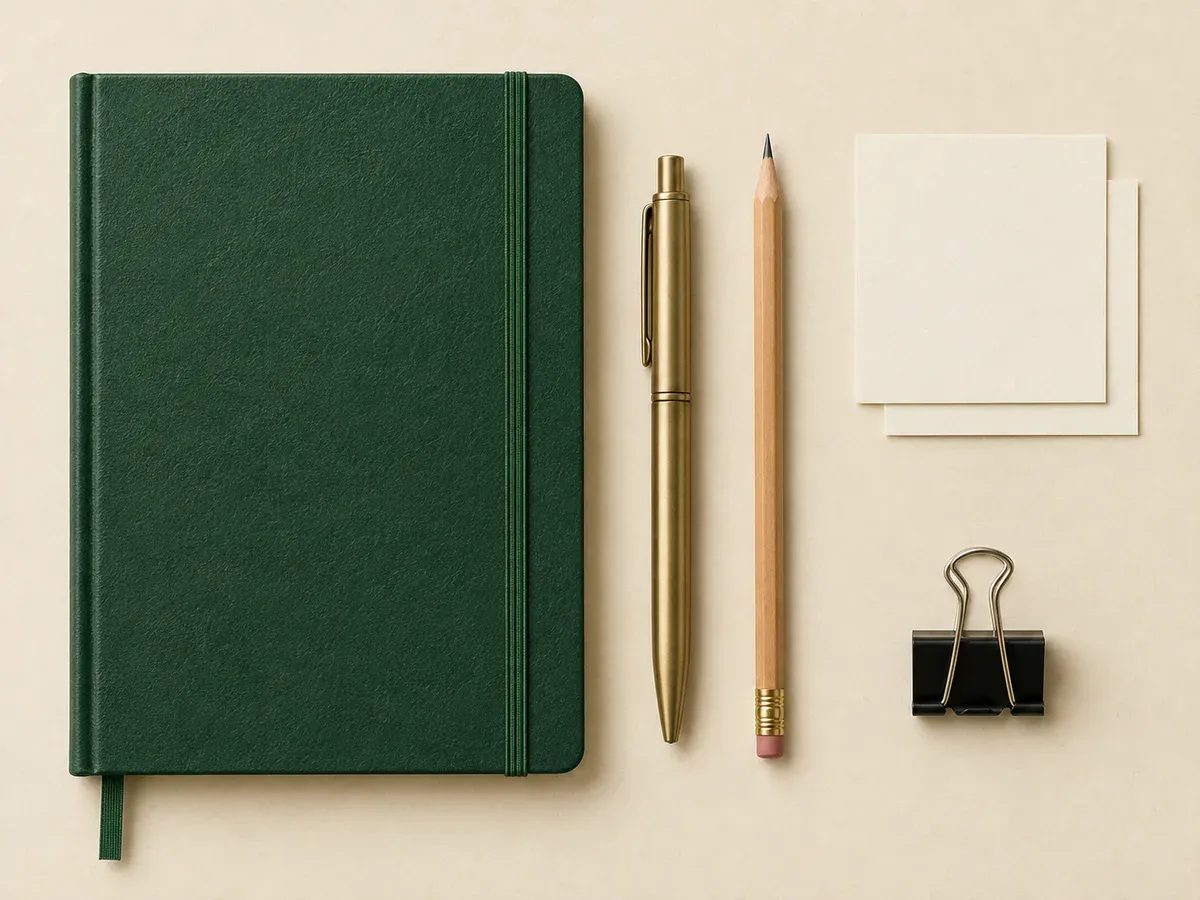
A notebook, writing tools, clips, and cards arranged along horizontal and vertical lines with clear gaps
An organized flat lay brings different objects into one picture: stationery, travel essentials, or a product with its packaging and accessories. Give the main item a prominent position, align the other objects with its edges, and leave gaps between their outlines. An overhead view helps the viewer see the whole group.
Before taking the shot, remove the smallest decorative pieces and see whether the remaining objects are enough. If the image explains a bundle, include only what the customer receives. If it shows styling inspiration, the caption should identify any accessories used only as props.
7. Foreground framing: create an opening around the product
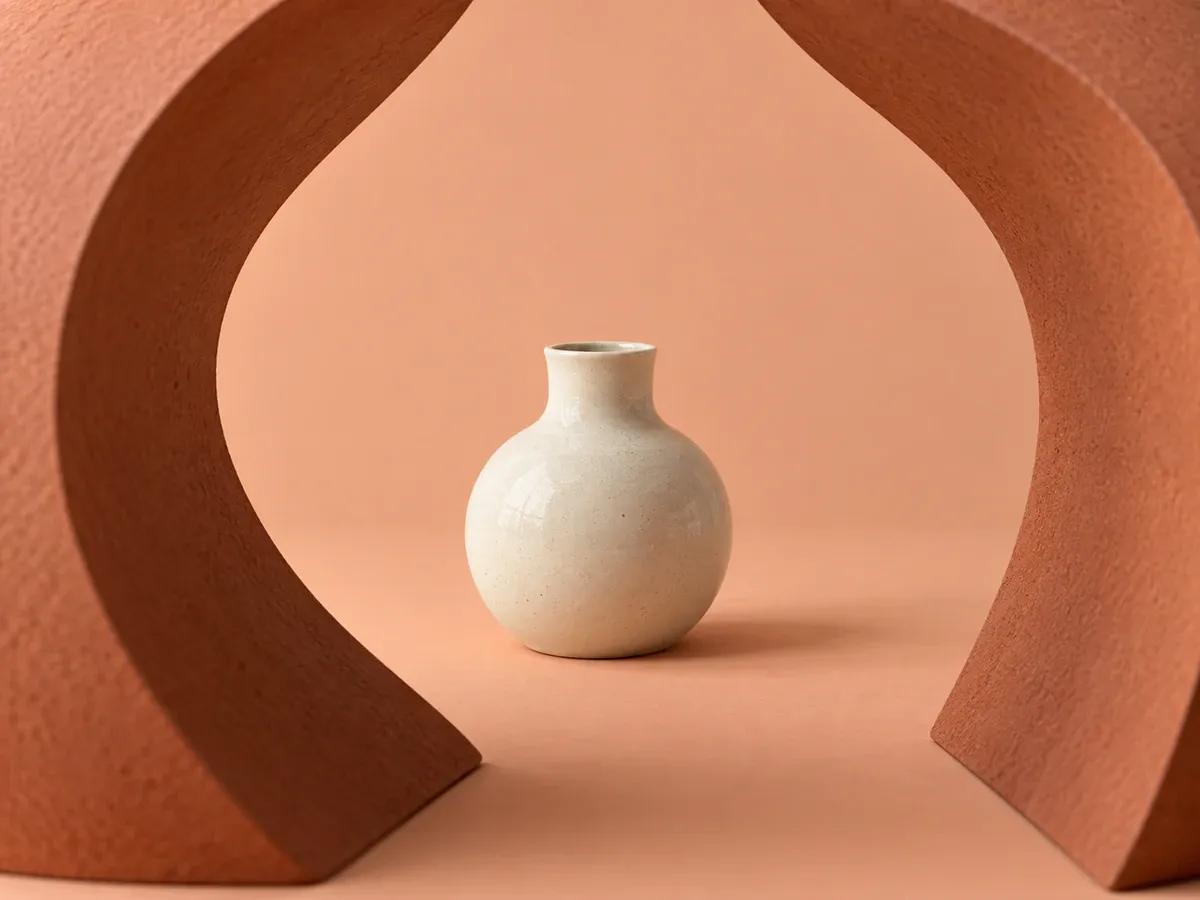
A pale vase sits between two terracotta foreground props, with its opening and body unobstructed
Foreground framing uses objects near the camera to create an opening around the subject. A cardboard arch, doorway, or fabric edge can make the view feel like looking through a small window. Keep the foreground around the edges and place the product inside the opening.
The foreground can be slightly soft, but the product needs to stay sharp. This works well for vessels, fragrance bottles, and ornaments with clear silhouettes. Small jewelry can get lost behind a large foreground shape. Avoid closing the frame so tightly that most of the product disappears.
8. Close crops: show a detail worth looking at
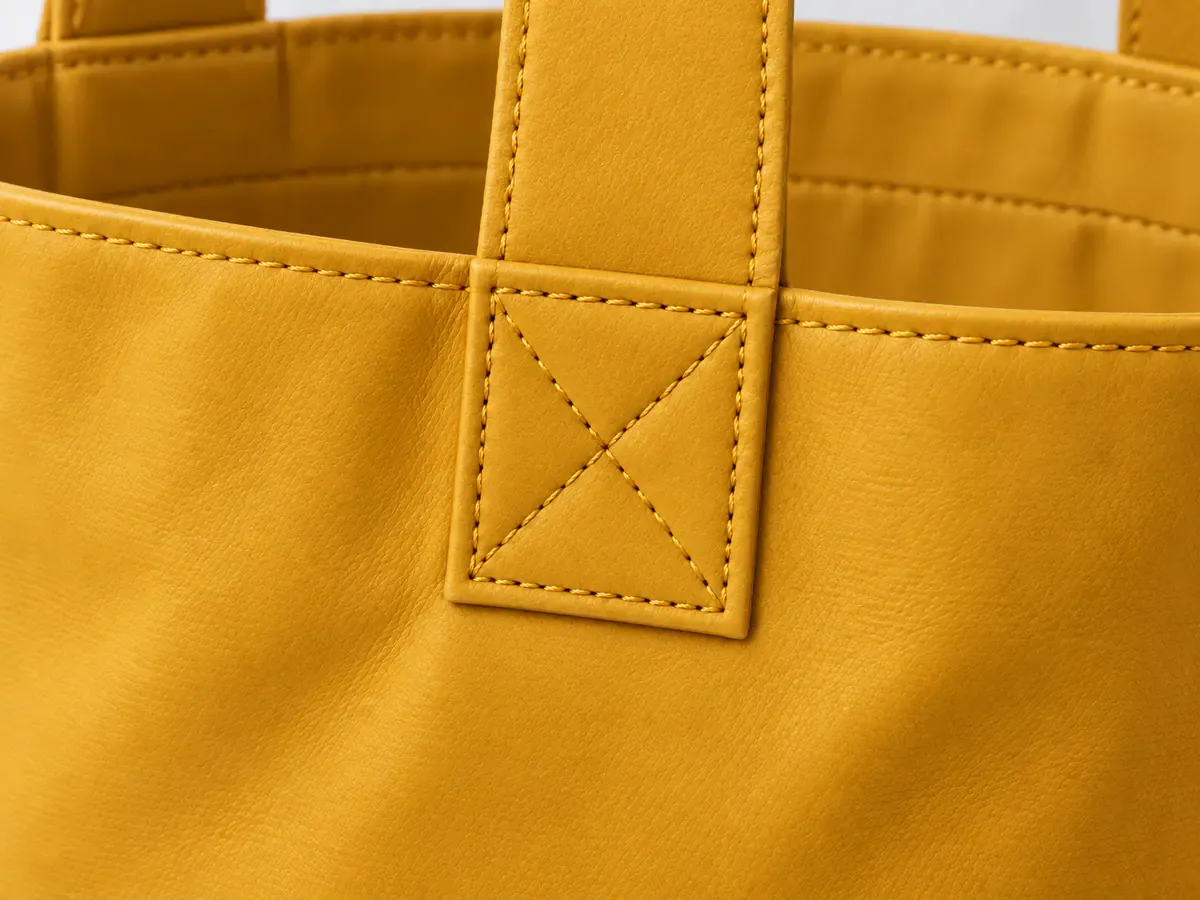
The stitched handle attachment of a yellow leather bag fills the frame, with part of the bag body still visible
Bag stitching, a ceramic glaze, or a fabric weave can justify a closer view. Crop into the subject while leaving enough shape to explain what the viewer is seeing. A leather bag's handle attachment is easier to understand than an unbroken patch of yellow leather.
A detail image complements a full product view; it cannot replace it. Avoid crops that look almost accidental, such as cutting off half a zipper pull. Either keep that feature complete or move closer to the detail you actually want to show.
3. Work with shadows, reflections, and space for copy
9. Hard light: use a defined shadow as part of the composition
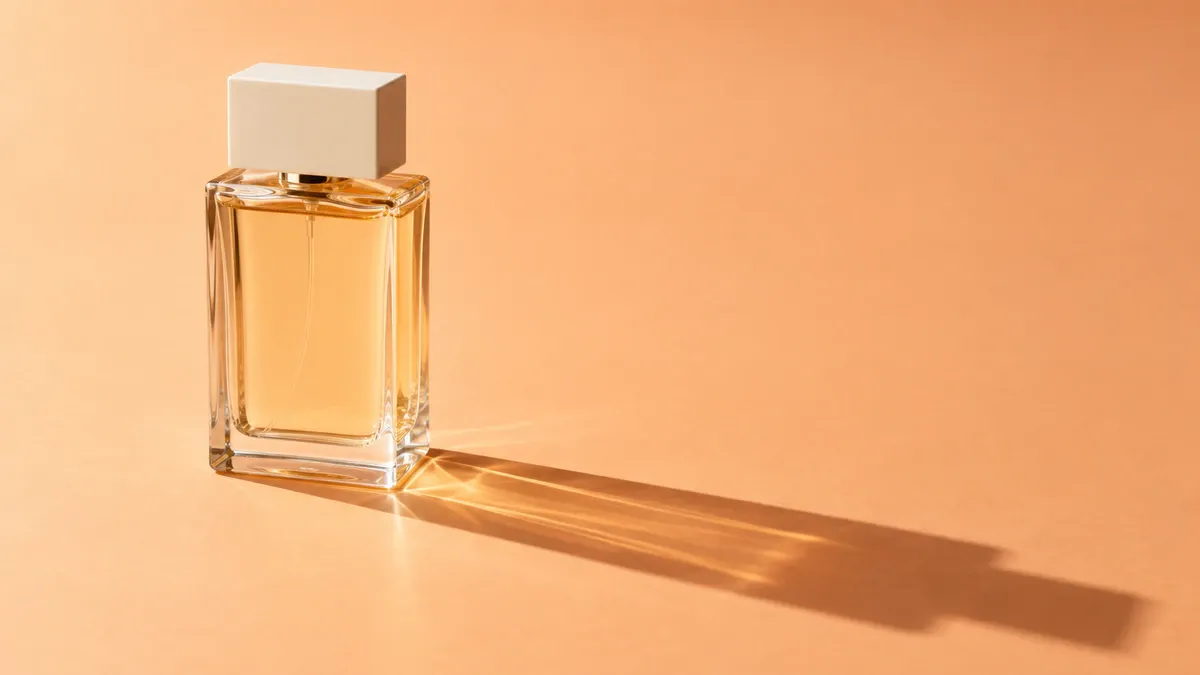
A rectangular perfume bottle casts a diagonal shadow on an apricot surface while its front remains visible
Hard light produces shadows with relatively distinct edges. Aim a directional light at a simply shaped bottle, and the bottle and its shadow can form a diagonal or geometric arrangement. Watch where the shadow falls before deciding where to place the product. It can give the picture enough interest without extra props.
A strong shadow can leave packaging text too dark. Place a white card on the darker side to bounce some light back onto the product. If the surface develops a harsh bright spot, adjust the light or product angle. The front still needs to be readable.
10. Mirror reflections: extend a simple product shape below its base
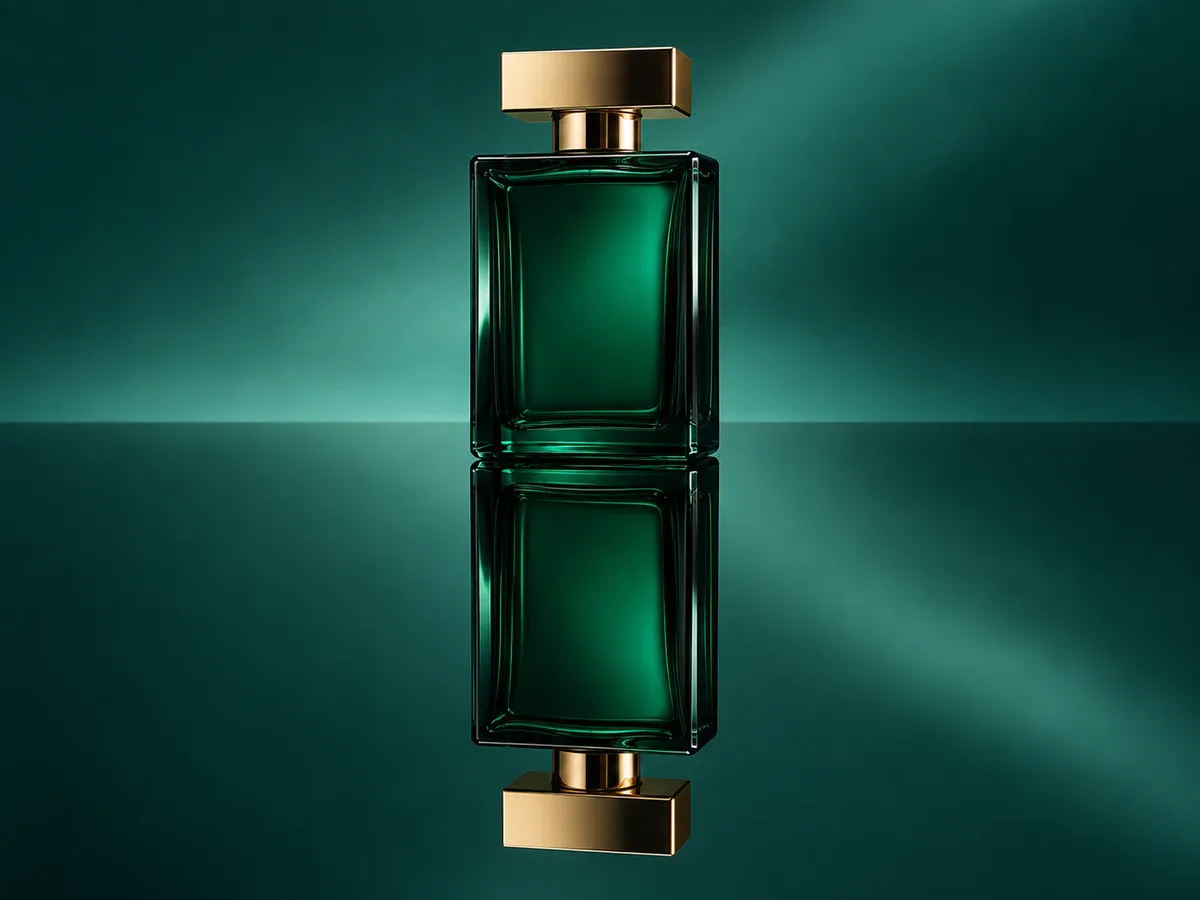
A deep green perfume bottle stands on a mirror, with its reflection meeting the base and matching the bottle's orientation
A clean mirror lets the shape continue below the product. Try it with a perfume bottle, box, or small ornament that has a simple outline and flat base. A lower camera position makes it easier to include both the object and its reflection. Keep the background quiet so other objects do not compete in the mirror.
Clean the surface and look for reflected light stands, table edges, or the camera itself. When generating the image with AI, check where the reflection meets the product and whether its shape and orientation match. The reflected bottle must not become a different design.
11. Side-back lighting: reveal the edges and transparency of glass
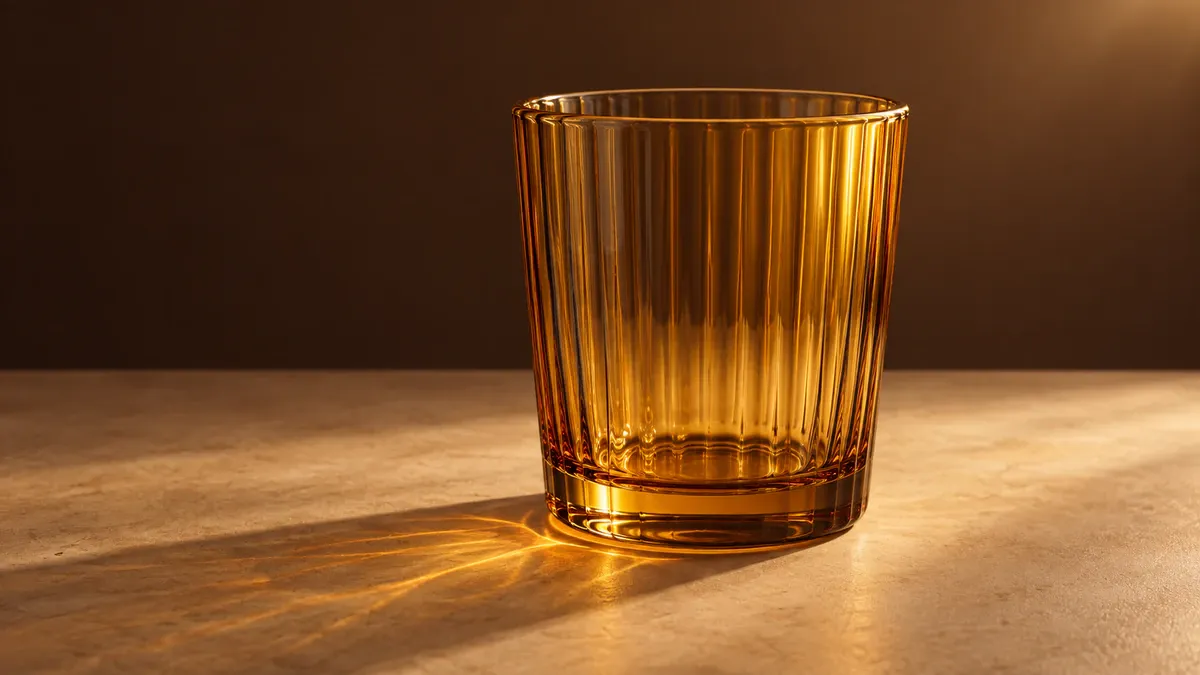
An amber glass lit from behind and to one side, with a clear rim and warm light passing through its walls
Place the light behind and to one side of the product so it passes through the glass or catches its edge. Clear drinking glasses, bottles, and translucent packaging can suit this approach. Small changes in camera position alter where the bright edge appears.
This lighting direction is useful for showing material. If the front label matters most, give it enough light separately. Avoid turning the glass outline into a glowing border or darkening the liquid to make it look richer. Both can change the product's appearance.
12. Off-center subjects: leave usable space for ad copy
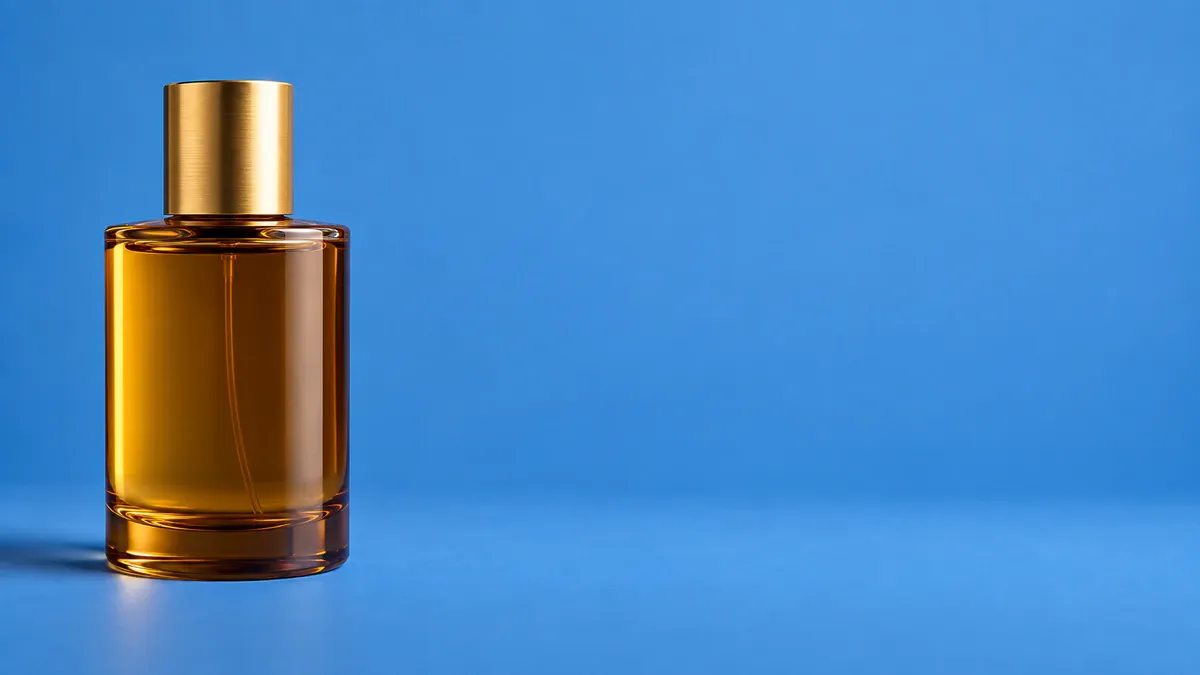
A perfume bottle sits on the left of a blue background, leaving a clear blue area on the right for copy
For a banner or ad, place the product to one side and keep the other side relatively even and low in contrast. That gives the headline somewhere to go. This negative space is the area around the subject that is not filled with objects. It can be any color. The background should still fill the image, without white borders added at the sides.
Before leaving space for a designer, confirm how many lines of copy are planned and where the button will go. Check the layout with the real text in place; an empty area alone does not prove everything will fit. For a vertical version, rearrange the product and copy instead of simply cutting away one side.
4. Turn a product photography idea into a useful creative brief
When you save an image you like, name the part you want to borrow. Is it the blue-and-yellow palette, the bottle's position, or the diagonal shadow? Separating these choices makes it easier to adapt the idea to your own product.
For a brand banner featuring a terracotta mug, a brief could read:
Use clear front and side photos of the mug as product references. Preserve the body, handle, and glaze color. Use a cream surface with a low round pedestal. Place the mug on the left, with its handle fully visible, and keep a clean background on the right for a two-line headline. Light the scene from the upper left, keeping the shadow away from the main copy area. Do not add cutlery, plants, or promotional text.
This example explains the product, arrangement, and intended use. It is not a universal parameter format for every tool. For a physical shoot, use it to prepare the set. For AI image creation, provide the product references along with the brief.
If you already own or have permission to use a style reference, you can create original product visuals with PixPix's image reference tool. Provide clear product photos and specify which colors, arrangement, or lighting you want to reference. Avoid carrying over another brand's logo, copy, or distinctive artwork. Compare the result with your own product photos, checking handles, caps, labels, and proportions.
Once you have chosen a direction, PixPix's product image set tool can help create related lifestyle and detail images. Keep using clear, checked product photos, and describe the shared background color and lighting direction. Review the new images together. Choose results that look coherent and preserve the product's appearance without repeating the same arrangement in every frame.
5. Product photography ideas: three practical questions
1. Does every product in a store need a different setup?
No. Products in the same range can share background colors and lighting while using arrangements that suit their shapes. Upright bottles, flat tubes, and overhead bundle shots can all belong to one visual style. Repeated colors, lighting, and composition choices help a brand feel consistent without making every image identical.
2. Can I try these compositions with a phone and an ordinary table?
Start with tonal backgrounds, diagonal arrangements, or organized flat lays. Background paper, a stable table, and one controllable light source are enough to make a first test. Keep the phone steady and zoom in to inspect product edges and text. If glass reflections or strong shadows are hard to control, simplify the setup rather than trying every lighting effect at once.
3. Can a creative product image replace a marketplace's main listing image?
Not in every case. These setups are mainly intended for brand pages, secondary lifestyle images, and ads. A marketplace's main image must meet the relevant category requirements for backgrounds, cropping, and product presentation. Assess images with decorative props, repeated products, or tight crops for their intended placement rather than treating them as universal main images.
Official photography references: Adobe's product photography guide; Adobe's photography composition guide; Shopify's ecommerce photography guide.

AI Image Tool Built for E-commerce Teams
For new product launches, advertising, and promotional campaigns, use AI to generate product images, scene visuals, ad creatives, and short video assets — making content production faster.