12 GPT Image 2.5 Product Ad Prompts
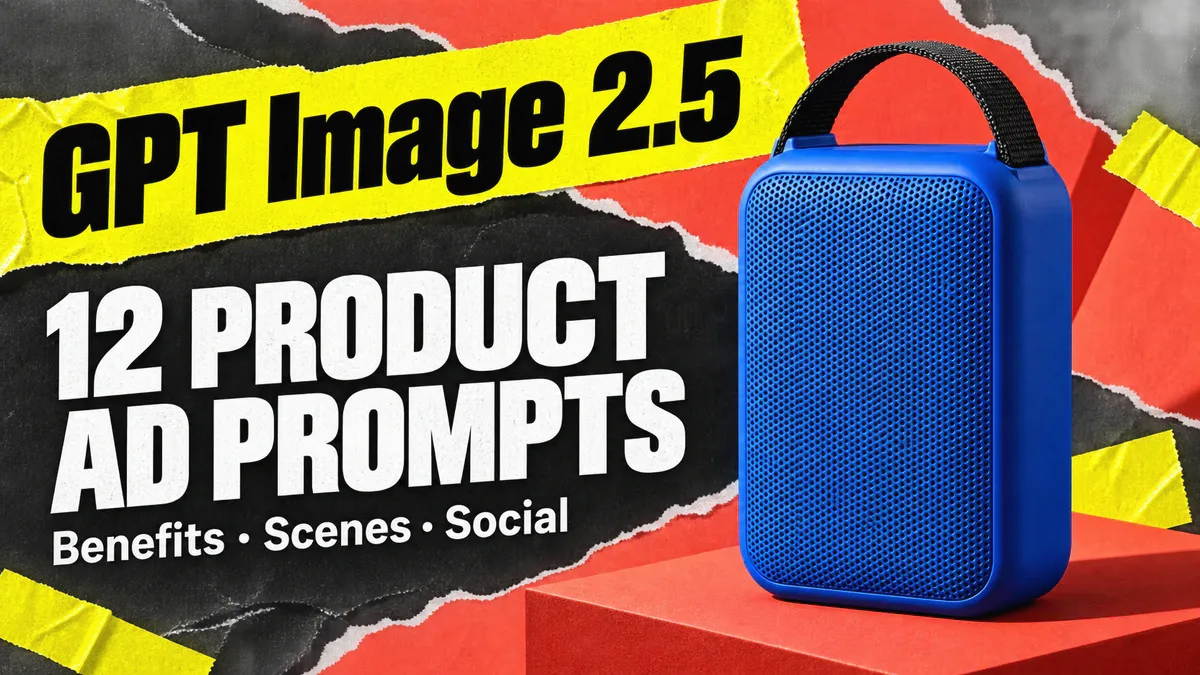
Put a speaker on a desk and the image helps explain where it fits into everyday life. Move closer and you can show its handle and grille. Before writing an AI ad prompt, choose the one thing the image needs to communicate. Build the background and headline around that point instead of squeezing in every selling point.
These 12 GPT Image 2.5 ad prompts cover product launches, detail shots, lifestyle scenes, and social creatives. Each includes a complete prompt and an illustrative image. Upload your own product photo, replace the product name, color, shape, materials, and component descriptions with accurate details, then edit the headline. These templates create static ad assets; they do not place ads automatically or promise clicks or sales.
I. Before Generating a Product Ad, Prepare Product Photos and One Main Message
Your reference photos should clearly show the product’s shape, color, materials, and logos. A front view establishes the main subject; side views and detail shots clarify parts that are easy to misread. If the photos have scratches, stains, or exposure problems, you can first use product retouching to clean them up. Preserve genuine seams, ports, and material textures.
Then write the one message this ad needs to convey. It could be a new product’s name, a verified feature, or a simple scene-setting headline. Prices, battery life, efficacy claims, discounts, and certifications need a factual basis. Do not let the model fill them in.
Open PixPix’s GPT Image 2.5 page to enter the workspace, upload your product photos, select the model and aspect ratio, and paste the relevant template. The buttons below let you copy a prompt or open the generation page. They do not upload your product image or start generation automatically.
To make the examples easier to compare, every illustration uses a fictional cobalt-blue portable speaker: an upright rounded rectangular body, a fine front grille, and a short black webbing handle on top. It has no brand logo, and no battery-life, waterproofing, or acoustic specifications have been assigned to it. The images are original AI-generated creative illustrations, not test results from GPT Image 2.5.
II. Make the Product Recognizable: Launch and Hero Ad Prompts
1. Product Launch Ad: Give One Subject the Spotlight
Use this when introducing a product for the first time. Let people see its full silhouette before trying to show every accessory.
Create a 1:1 new-product ad based on the uploaded product photo. The product is a cobalt-blue portable speaker. Preserve its upright rounded rectangular body, fine front grille, and short black webbing handle on top. Show exactly one speaker. Place it on a low coral-red circular pedestal against a deep-blue background. Use side lighting to define the grille and edges clearly. Make the complete product the main focus; do not crop the handle or base. At the top, include only the English headline “MEET YOUR NEXT SPEAKER”. Add no other text, logos, prices, specifications, glowing sound waves, or accessories. Extend the background to every edge and keep details crisp.
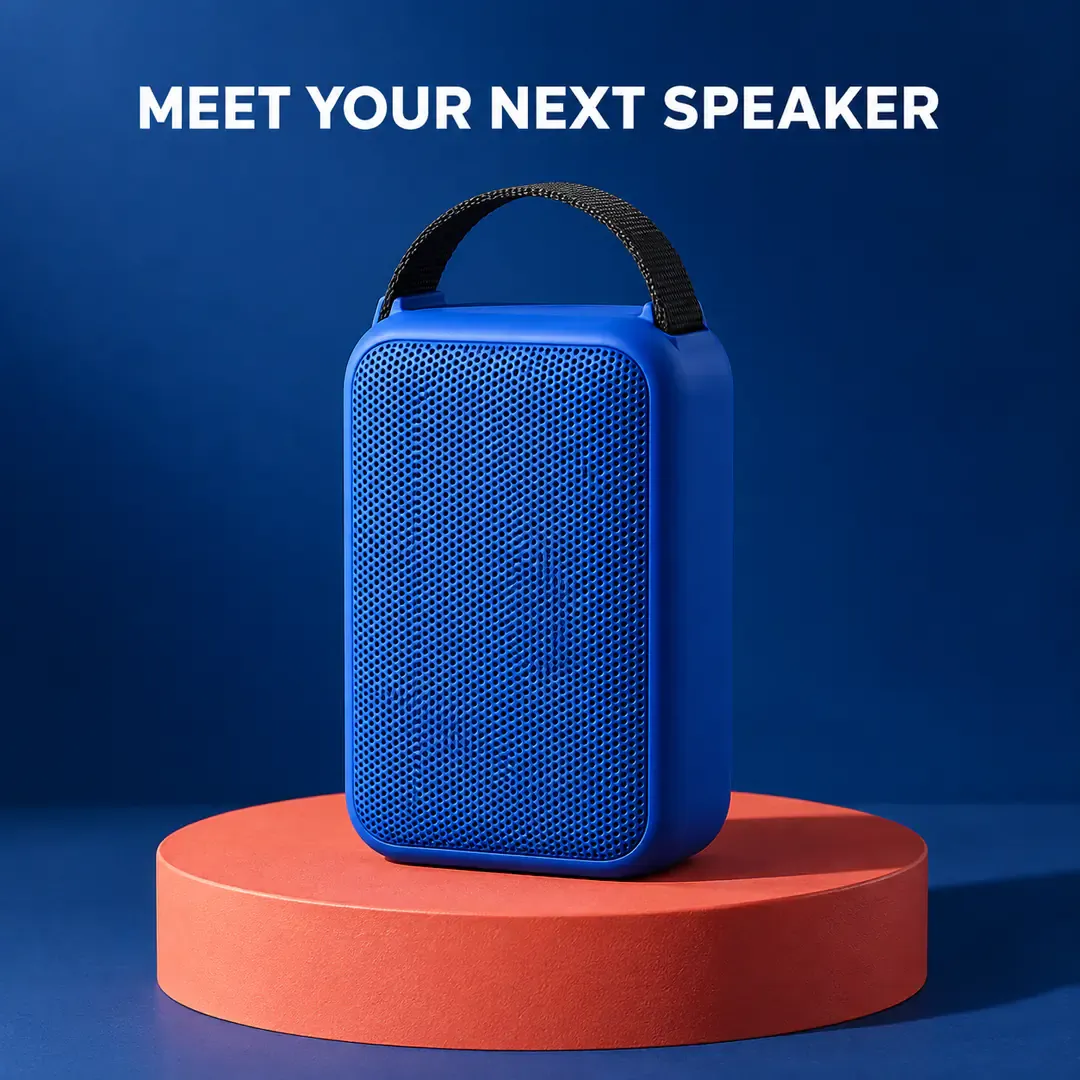
A blue speaker stands on a coral-red circular pedestal against a deep-blue background, with its full silhouette making the new product the focus
2. Material Close-Up Ad: Define the Grille and Housing
This image supports the hero shot. Moving closer is not an invitation for the model to redesign the grille pattern.
Use the cobalt-blue speaker in the uploaded product photo to create a 4:5 portrait close-up ad. Focus on the complete short black webbing handle, the rounded top corners of the housing, and a small section of the front grille below; let the rest of the body extend beyond the bottom of the frame. Leave clean background space in the upper half. Show the handle’s attachment to the housing clearly. Let soft light skim the housing edges, preserving the grille’s hole size and arrangement from the reference image. Use a muted warm-gray background with clear product detail and no greasy-looking reflections. At the top, include only the short headline “LOOK CLOSER.” Do not add metal knobs, buttons, ports, material certifications, or specification numbers.
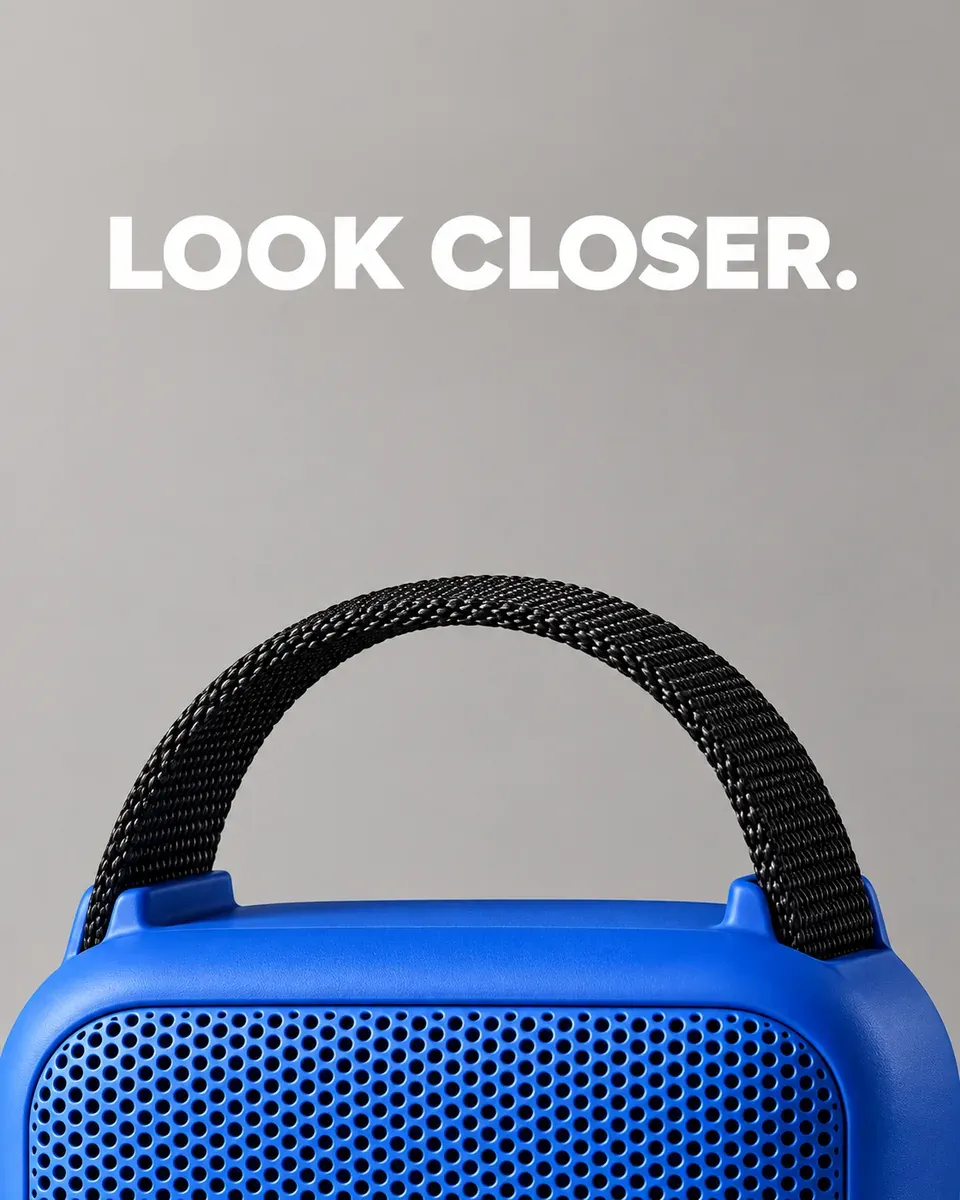
A close-up shows the blue speaker’s front grille, rounded housing, and black webbing handle
3. Carry Handle Ad: Show the Component Without Inventing a Claim
Showing how the handle connects to the speaker is more specific than calling it “durable.” Durability needs separate evidence.
Using the uploaded cobalt-blue portable speaker photo as the reference, generate a 1:1 feature-detail ad. Place the complete speaker in the lower half, with its short black webbing handle clearly visible on top. Add a circular magnified view of that same handle attachment in the upper-right corner. The magnified view must match the product’s actual structure, with no extra fasteners. Use a cream-yellow background and a thin gray line connecting the attachment point to the enlarged detail. In the upper left, write only “THE CARRY HANDLE”. Do not show hands or add load ratings, durability certifications, waterproof symbols, or other selling points.
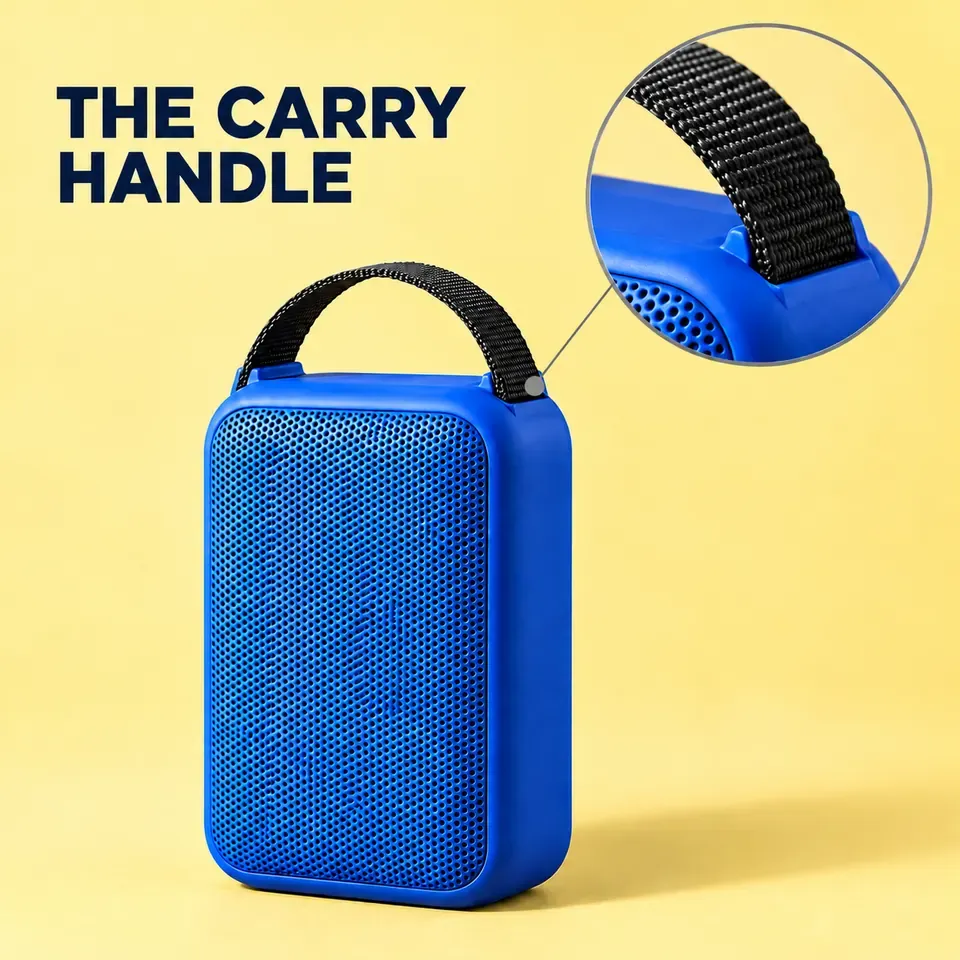
A handle-focused ad uses a magnified detail to show where the webbing attaches to the top of the speaker
III. Show Where the Product Fits: Lifestyle Ad Prompts
A setting should help buyers understand where they might use the product. Avoid filling the frame with unrelated luxury scenery, and do not use splashes or extreme weather to imply unverified performance.
4. Desk Ad: Keep the Product’s Scale Believable
Create a 3:2 landscape desk-scene ad. Place the cobalt-blue portable speaker from the uploaded photo on the right side of a light wood desk, preserving its rounded rectangular body, front grille, and short black handle. Beside it, place one closed, plain notebook and one pencil at a natural relative scale. Include no computer, phone, or cables. Soft window light enters from the left, with a clean, light-colored wall behind. In the upper left, include only “DESK-TIME SOUND”. Keep the whole speaker clear and fully visible, with a slightly softer background. Add no specifications, branding, or playback interface.
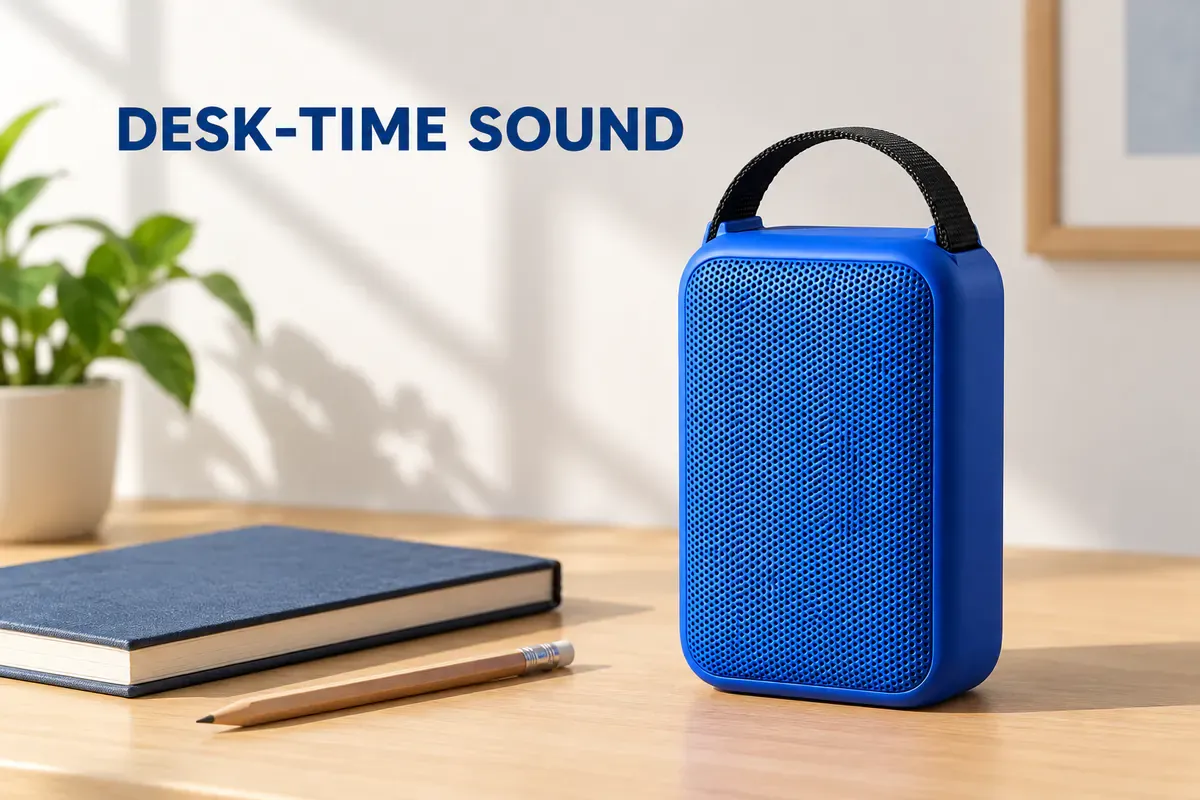
A speaker and notebook on a light wood desk create an everyday setting, with a simple headline area on the left
5. Reading Corner Ad: Use Surrounding Colors to Frame the Product
Generate a 4:5 portrait home-lifestyle ad based on the uploaded product photo. Place the entire cobalt-blue speaker on a wooden side table. Behind it is a warm-orange armchair with an off-white throw draped over it; a closed book also sits on the table. Preserve the speaker’s shape, grille, and short black handle. Use warm afternoon side lighting without changing the product’s original blue color. Keep the foreground sharp and the chair slightly blurred. Include no people, drinks, text, logos, or invented buttons. Retain realistic contact shadows.
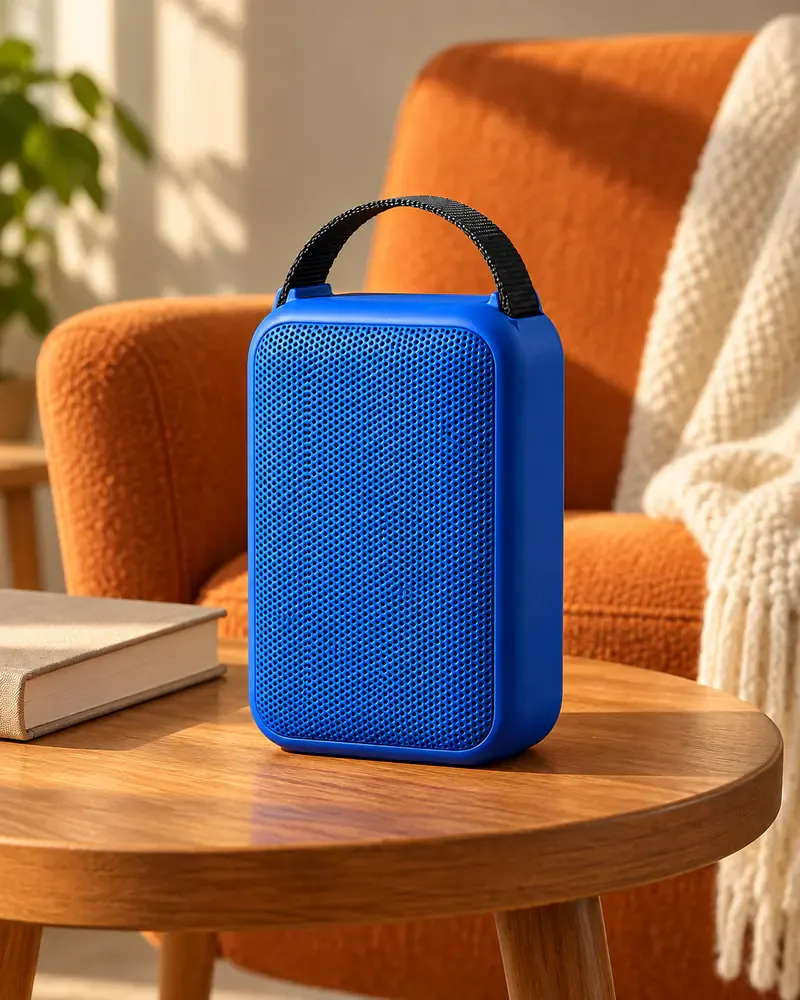
A blue speaker sits on a side table beside a reading chair, contrasting with the warm-orange surroundings
6. Outdoor Leisure Ad: Show a Setting, Not an Unverified Waterproof or Drop-Resistance Claim
Create a 1:1 outdoor leisure ad. Preserve the full structure of the cobalt-blue speaker in the reference photo and stand it upright on a dry, level wooden picnic table. In the distance, show softly blurred grass and tree shadows in clear weather, with light coming from the front and side. Show only one speaker, with no other products or people. At the top, write only “AFTERNOON OUTSIDE”. Do not include water droplets, a swimming pool, rain, dust clouds, falling objects, waterproof icons, battery-life numbers, or extra accessories.
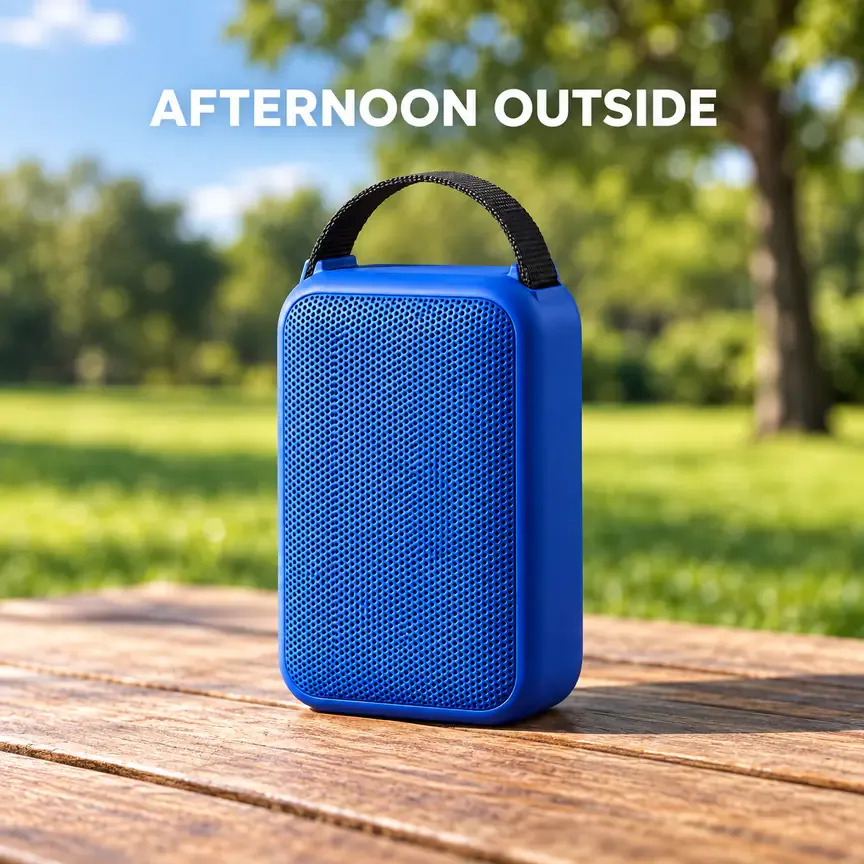
A speaker on a dry picnic table with grass in the distance establishes an outdoor leisure setting without splashes or performance badges
IV. Make Social Ads Stand Out: Color-Block, Collage, and Graphic Prompts
7. Color-Block Ad: Keep the Silhouette Clear on a Small Screen
Generate a 1:1 social product ad. Place the cobalt-blue speaker from the reference photo near the center, slightly below the midpoint, preserving its shape, grille, and short black handle. Use a bright lemon-yellow background with one coral-red geometric color block in the upper right, clear of the product. Use clean commercial studio lighting and natural shadows. In the upper left, write “TURN UP THE COLOR” in large, bold, deep-blue type. Keep letter spacing clear. Add no second message, stickers, specifications, or glow effects. Fill the frame with no white border.
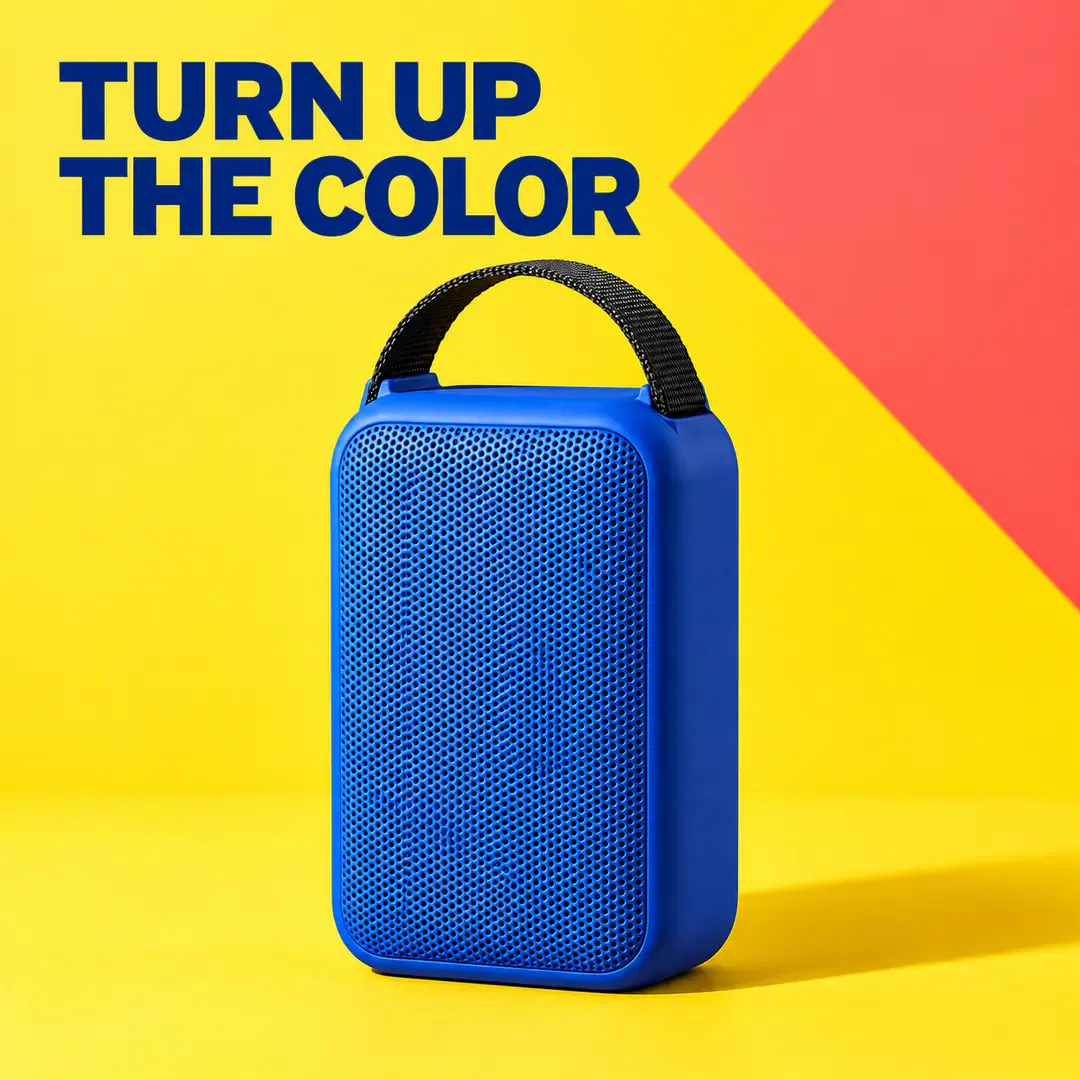
A yellow background and coral-red color block frame the blue speaker, with separate areas for the large headline and product
8. Street-Style Collage Ad: Vary the Decorations, Keep the Product Intact
Create a 4:5 street-style collage ad for the uploaded cobalt-blue portable speaker. Place the complete product in the lower-middle area with realistic proportions and clear detail; do not use exaggerated wide-angle distortion. Build an original collage around it using black-and-white torn-paper edges, coral-red paper pieces, and a small amount of fluorescent-yellow tape. Keep all decorations behind the product. Place the bold English headline “PLAY YOUR WAY” at an angle across the top, appearing only once. Do not use existing brands, celebrities, album covers, artist signatures, or copyrighted patterns. Add no performance claims or prices.
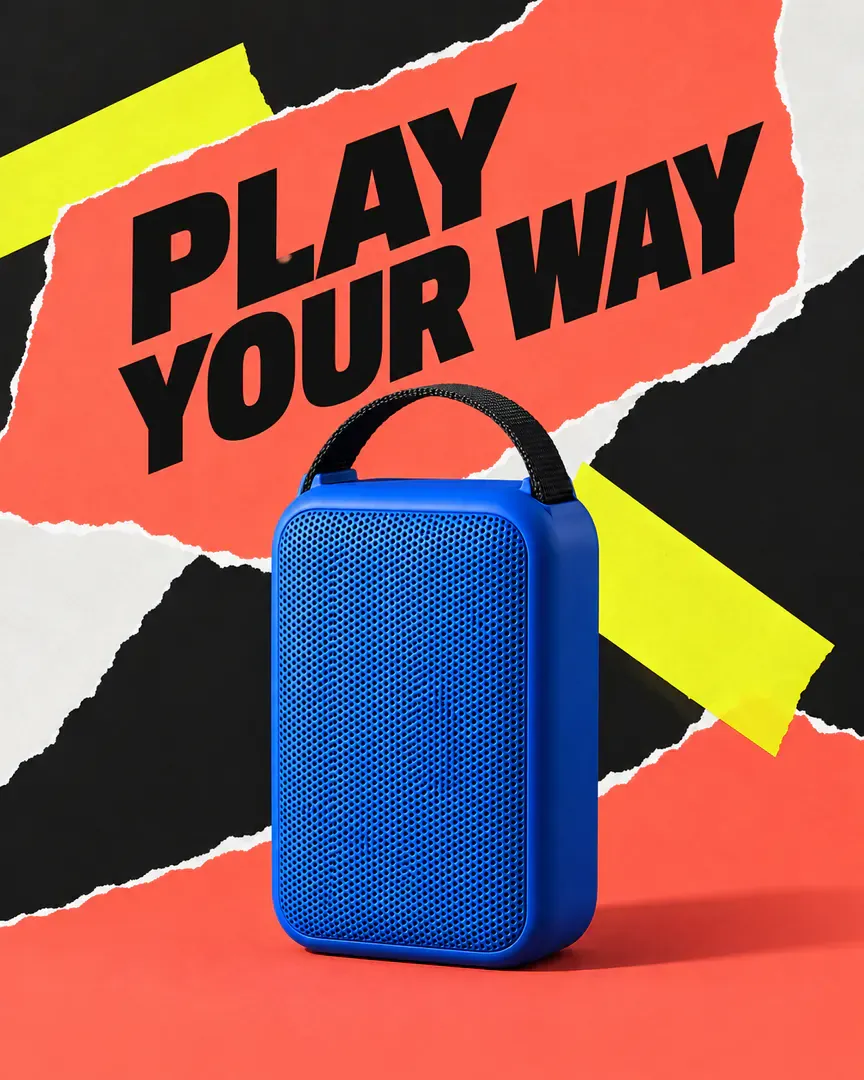
An intact speaker stands in front of torn-paper and fluorescent-color collage elements, with an angled headline adding energy
9. Graphic Rhythm Ad: Suggest Music with Abstract Lines
Create an original 3:2 landscape music-themed product ad. Stand the cobalt-blue speaker from the reference photo upright on the right, retaining its full body and short black handle. Use a deep-indigo background. Let a few flat coral-red and pale-yellow curves flow from the left toward the area around the product. These lines are flat decorative graphics: they must not shoot out of the speaker or represent a measured sound field or frequency-response curve. On the left, write only “MAKE ROOM FOR MUSIC”. Give the product a realistic photographic finish and keep graphic edges crisp. Add no musical-note text, numerical values, brand logos, or extra objects.
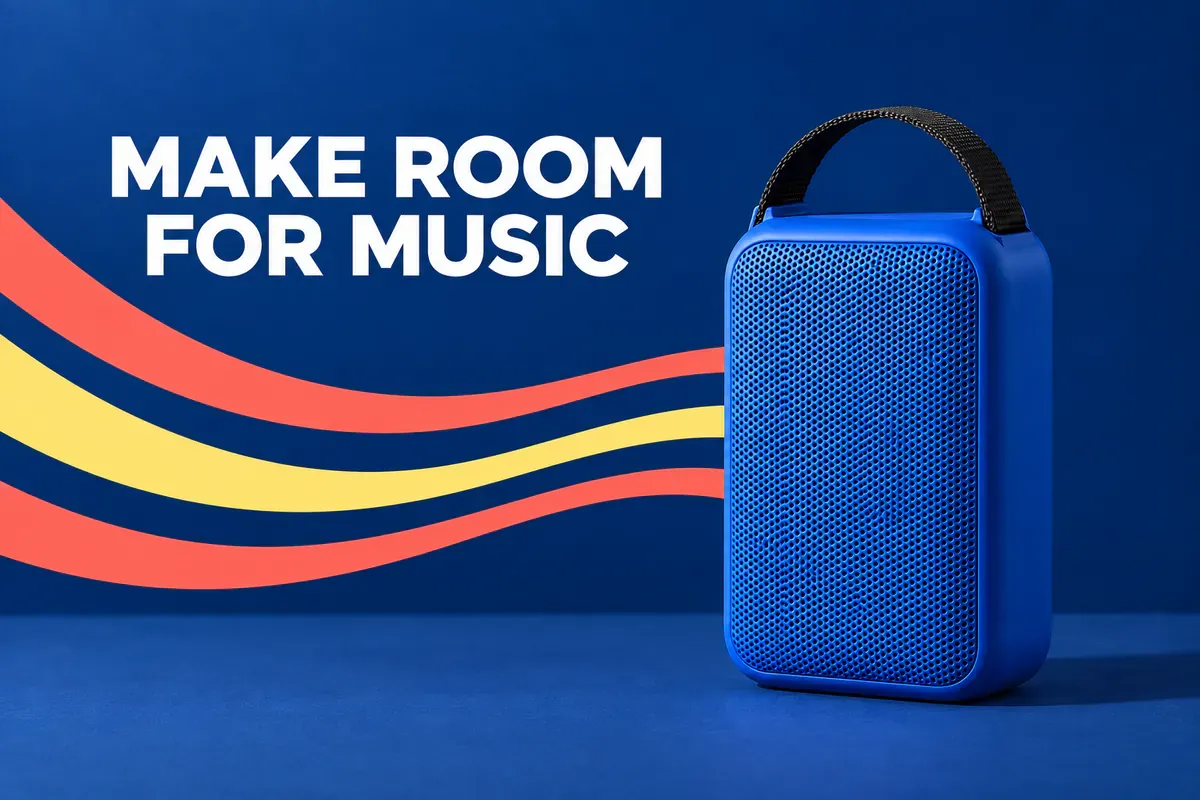
Flat curves and a speaker against a deep-blue background suggest a music theme rather than acoustic test results
V. Leave Room for the Next Step: Gifting, Copy Space, and Layout Comparisons
10. Gift Inspiration Ad: Separate Styling Props from What Is Included
Create a 1:1 gift inspiration ad using the uploaded cobalt-blue speaker. Place the complete speaker on the right side of a cream-colored surface. Behind it on the left, place an open, unbranded off-white gift box, with a coral-red ribbon resting naturally on the surface. Do not wrap the ribbon around the product or cover the handle. Use soft lighting. The packaging is a photography prop only. At the top, include only the large headline “GIFT IDEAS”. At the bottom, add the clearly readable small text “Gift wrap not included”. Do not show a second speaker, an accessory bundle, discounts, free gifts, or brand logos.
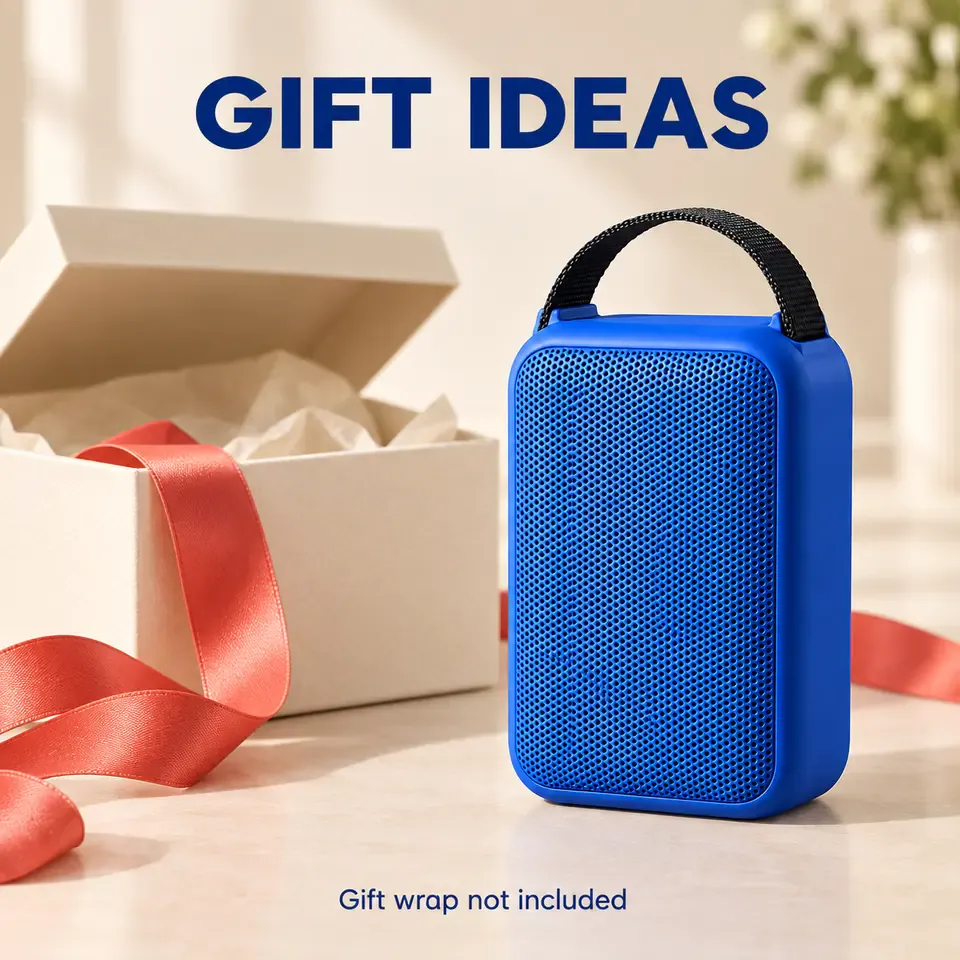
The speaker and gift-wrapping props are displayed separately, with a note that gift wrap is not included
If the actual bundle includes a gift box, use a photo of the real packaging and change the note. Do not let a styling prop create a false expectation about what the buyer will receive.
11. Ad Background with Copy Space: Add Complex Offer Details Later
Generate a 4:5 portrait product-ad background. Preserve the shape, color, fine grille, and short black handle of the cobalt-blue speaker in the reference photo. Place the complete product on a pale-coral platform toward the lower-right area of the frame. Use a continuous pale-apricot background. Leave clean space above and to the left of the product for copy. Create depth through light and shadow while keeping the outline clear. Generate no text, buttons, percentages, currency symbols, prices, or icons anywhere in the image. The empty areas are for ad copy to be added later. Extend the background to all four edges, with no white outer border.
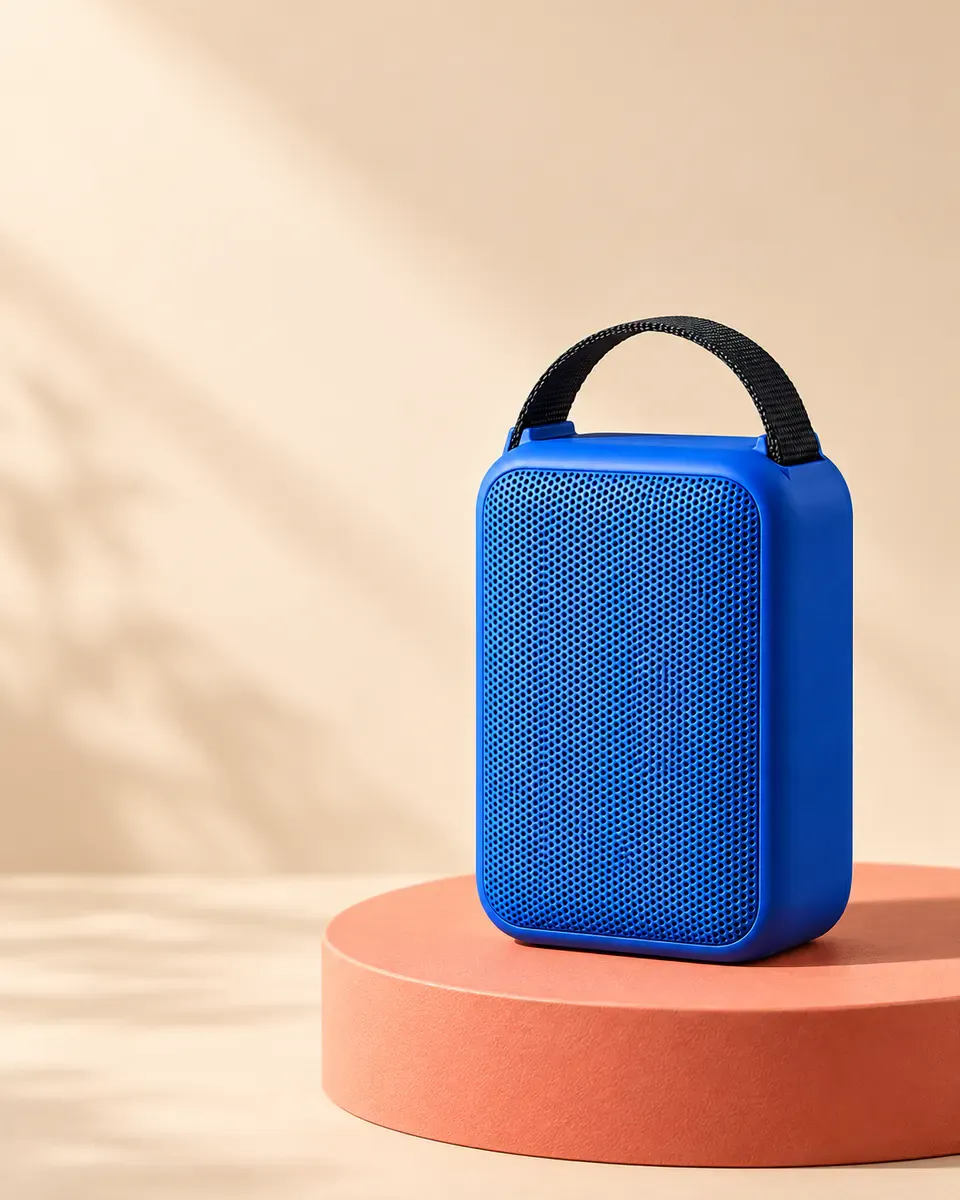
A speaker sits near the bottom of a portrait ad background, leaving a clean upper area for verified campaign copy to be added later
12. Two Layouts for the Same Product: Change Placement, Not Every Variable
Create a 3:2 landscape ad-concept comparison board with two equally sized ad panels side by side. Both panels use the same cobalt-blue speaker from the reference photo, a cream-yellow background, soft light from the left, and the English headline “MEET YOUR NEXT SPEAKER”. In the left panel, center the product and place the headline at the top. In the right panel, place the product on the right and the headline on the left. Show the speaker at the same size in both panels, retaining the same grille and short black handle. Change only the layout, not the colors, copy, product angle, or decorations. Label the panels “A” and “B” along the top. Add no click-through rates, winner badges, or data charts.
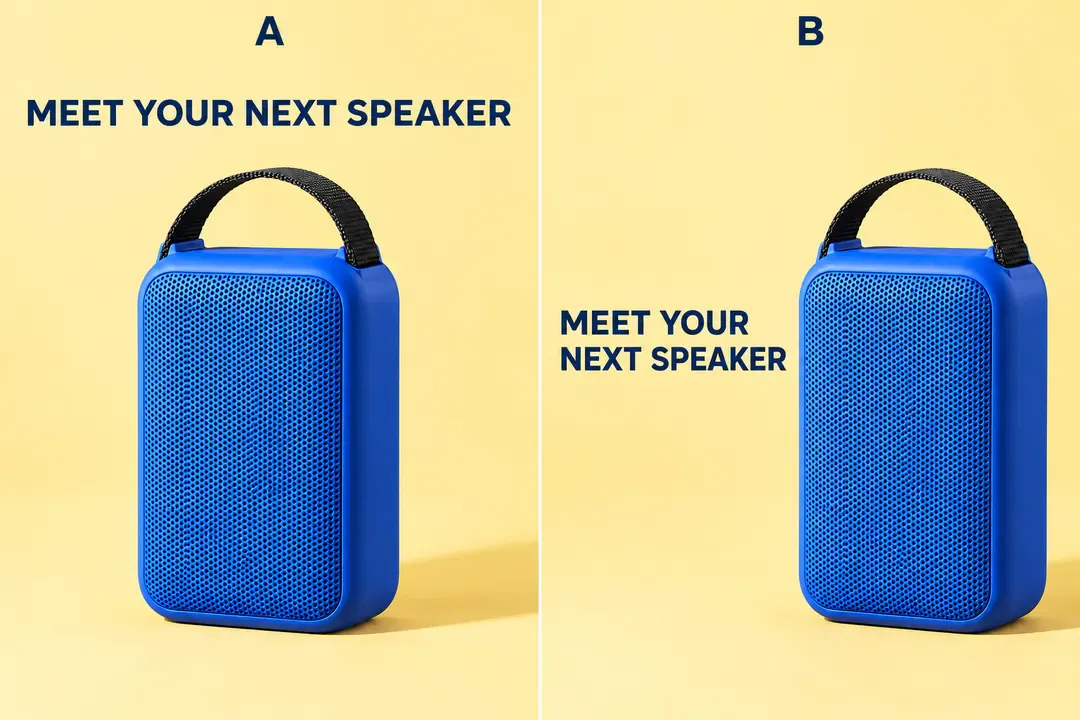
Layouts A and B use the same speaker and headline, changing only the positions of the product and text
This board is for choosing a creative direction. For an actual ad, generate the selected layout as a separate image. To test both versions, export them separately and compare results after running the ads. Without data, neither composition can be called the “high-converting version.”
VI. After Generation, Check the Product, the Copy, and the Crop—in That Order
Start with the product. Keep the reference photo beside the result and compare the shape, color, logos, grille, and handle. Structural changes that disappear at thumbnail size still need correcting when you zoom in.
Then read the copy. Are any headline letters missing? Have the offer terms changed? Is the note about props clear? If text is wrong, ask for only that text to be corrected. If repeated revisions cannot fix it, keep the image and add accurate copy with a layout tool.
Finally, preview the image at its intended display size. Is the product still the focus? Can you read the headline? Does the crop cut into the handle? When changing aspect ratios, rearrange the text and subject instead of stretching the image. A ratio written in the prompt does not replace the workspace’s output settings.
VII. Frequently Asked Questions
1. Can These Ads Be Used Directly as Marketplace Main Product Images?
Do not assume an ad meets a marketplace’s main-image requirements. Main product images and ad placements serve different purposes and may allow different text, backgrounds, and decorations. For a main image, create a separate version that meets the relevant marketplace’s requirements rather than carrying over promotional copy and styling props.
2. Why Does the Product Change Even When the Prompt Says “Do Not Change the Product”?
That sentence cannot replace clear product photos. Add reference shots of parts that are being rendered incorrectly, and specify which image determines the product’s appearance and which is for style only. If key structural details still do not match after correction, retain the real product image and create the background and layout separately.
3. Is Replacing the Text Enough to Adapt an English Ad into Chinese?
The layout needs attention too. Chinese and English differ in character width, line count, and reading rhythm. After replacing the copy, check the headline size, line breaks, and space around the product. Prices, currency, offer terms, and landing-page information also need to match; translating a headline alone is not enough.
VIII. Sources

AI Image Tool Built for E-commerce Teams
For new product launches, advertising, and promotional campaigns, use AI to generate product images, scene visuals, ad creatives, and short video assets — making content production faster.